
Canvas Collage Layout: How to Choose the Right One (2026)
· 9 min read
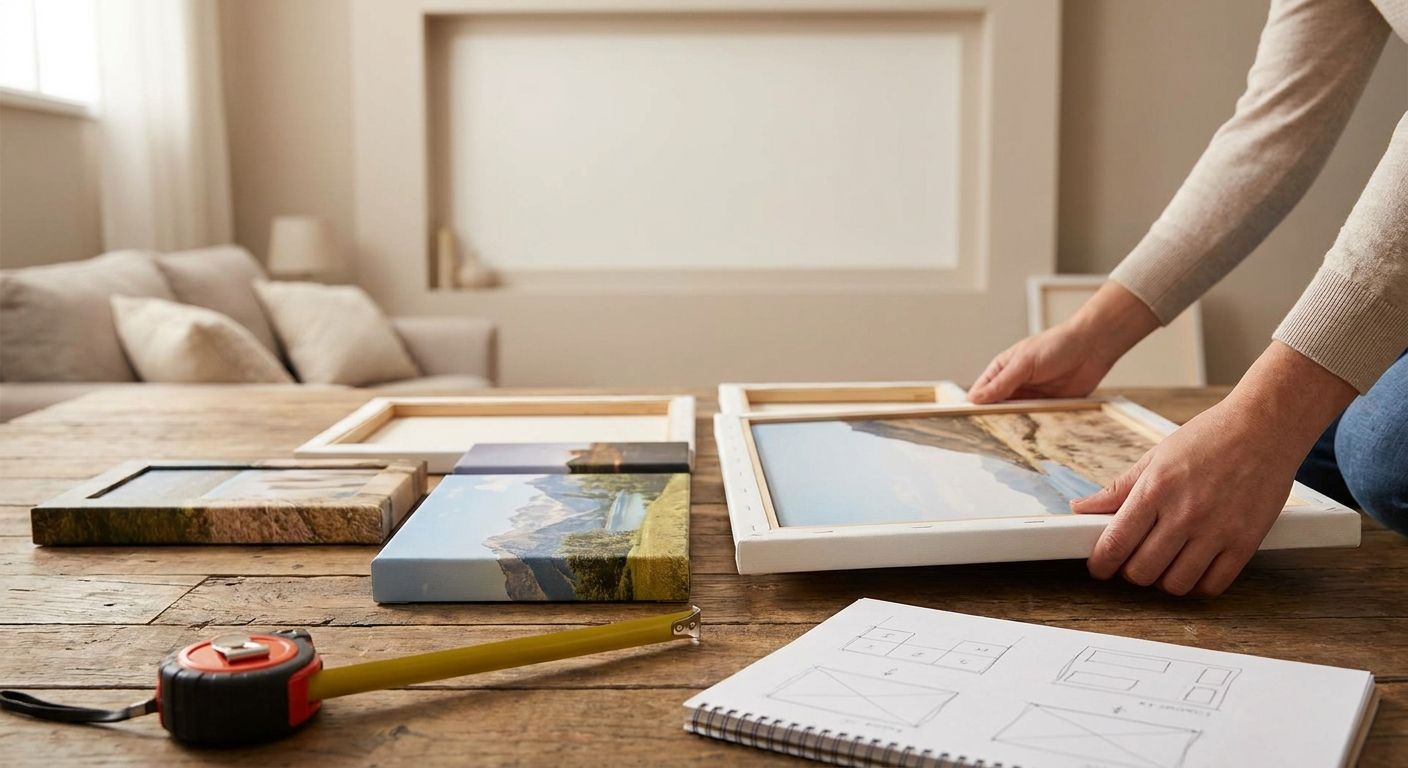
Eight photos crammed onto one canvas rarely looks like a gallery wall — it looks cluttered. The right collage layout depends on photo count, aspect ratio and where the canvas is hanging, and getting it wrong is the single biggest reason customers reorder a canvas print in 2026.
TL;DR
- A canvas collage layout works best with 3-6 photos of similar tone — more than 8 and faces get lost.
- Match layout to wall space first: a 16x24 inch grid needs 24 inches of clear wall, not a narrow hallway.
- Portrait photos need portrait-oriented collage grids; forcing landscape shots into a square grid crops faces.
- A single strong hero photo plus 4-5 smaller shots outperforms an even grid for most living room walls.
- Order a Pixa Prints canvas photo print once the layout is locked, not before — cropping after printing isn't possible.
Why this matters
A collage canvas is a permanent object on a wall, not a scrollable phone album. Once it's printed, the crop is fixed — there's no going back to "fix" a layout that cuts someone's head off at the edge of a frame.
Most people choosing a canvas collage layout are working from a phone camera roll full of mixed aspect ratios: some portrait, some landscape, some square Instagram crops. The layout you pick has to reconcile all of that before it goes anywhere near a printer.
Get this right and the canvas reads as one composed piece. Get it wrong and it reads as a photo dump stretched onto fabric.
What you'll need
- 3-8 photos, ideally shot within the same season or event so lighting and tone match
- A rough idea of your wall space in inches, not just "medium" or "large"
- At least one photo in landscape and one in portrait if you're mixing formats
- A phone or laptop to upload from — canvas photo prints can be ordered straight from your phone without ever touching a desktop editor
- 15-20 minutes to arrange and preview before you commit to checkout
The steps
1. Count your photos before you pick a grid
Decide your final photo count first — the grid shape follows from this, not the other way round. Three to four photos suit a simple row or an asymmetric "one big, two small" layout. Six to eight photos need a true grid or they'll feel scattered.
Common mistake: starting with a 9-photo Pinterest layout and then hunting for nine matching photos. Work from what you actually have.
2. Sort by orientation, not by date
Group your photos into portrait and landscape piles before touching a layout tool. A layout with three portrait shots and one landscape shot squeezed in will always have one awkward panel.
If you're set on mixing orientations, pick a layout with at least one large panel that can absorb a landscape shot without cropping faces at the edges. This is the step most people skip, and it's the one that causes the most reorders.
3. Check your wall measurements against the canvas size
A 16x24 inch collage canvas needs roughly 20-24 inches of clear wall including breathing room either side — not just the frame width. Measure the actual wall, not the sofa or shelf beneath it.
Expected outcome: you should be able to name a canvas size in inches before you open any design tool. "Something for the hallway" isn't a size.
4. Choose even grid vs. asymmetric layout based on photo strength
An even grid (2x2, 2x3) works when every photo is roughly equal in visual weight — no single shot stands out. An asymmetric layout, with one large hero photo and 3-5 smaller supporting shots, works when you have one genuinely great photo you want as the focal point.
For wedding collages specifically, an asymmetric layout with the ceremony or first-look shot as the hero image, framed by smaller candid shots, tends to outperform an even grid — it's the same logic used across canvas photo prints for wedding photo displays.
5. Leave gutters between panels, not zero gap
A small gutter (roughly 2-3% of canvas width) between photos in a multi-panel layout keeps each image legible as its own frame. Zero gutter makes the whole canvas read as one confused image rather than a considered collage.
Common mistake: shrinking the gutter to fit one more photo in. If a photo doesn't fit without crushing the gutter, drop it or size up the canvas.
6. Crop for the subject, not the frame
Every panel in your layout will crop your original photo to fit its shape — that's unavoidable with any grid. Before finalising, check that faces, hands, and key subject matter sit inside the safe zone of each panel, not right at the edge.
This matters most for pet portraits, where tails, ears and paws often sit at the frame edge in the original shot. If you're building a layout from pet photos, check the crop preview on every panel individually — the same logic applies whether you're printing a single portrait or building it into a wider canvas photo prints for pet portraits collage.
7. Preview at full size before ordering
Zoom out to 100% or use the print preview tool to see the layout at roughly the size it will actually hang. A layout that looks balanced on a 6-inch phone screen can look completely different stretched across 24 inches of wall.
Expected outcome: no panel should look pixelated or oddly cropped in the full-size preview. If one does, that photo's resolution is too low for its panel size — swap it or resize the layout.
Ready to design your canvas collage?
Upload your photos and preview the layout before you order.
Troubleshooting
A face is cropped at the edge of a panel. Swap that photo into a larger panel in the layout, or choose a different shot where the subject sits more centrally in frame.
The collage looks unbalanced with one dark photo among lighter ones. Group photos by tone before finalising the grid — one dramatically darker or warmer photo will pull the eye away from the rest of the canvas.
Photos are different aspect ratios and none of them fit the grid cleanly. Choose an asymmetric layout instead of a uniform grid; asymmetric layouts tolerate mixed aspect ratios far better than a strict 2x2 or 3x3 grid.
The layout looks fine on screen but feels too busy once printed size is considered. Drop to fewer, larger panels. A 4-photo layout on a 20x30 inch canvas almost always reads better from across a room than an 8-photo layout on the same size.
One photo is noticeably lower resolution than the rest. Give it the smallest panel in the layout, or replace it — low-resolution photos in large panels are the top cause of blurry canvas prints in 2026.
Tools and resources
- Upload and order canvas photo prints for pet portraits if your collage is pet-focused
- Reference canvas photo prints for wedding photo displays for asymmetric hero-photo layouts
- Order directly from your phone using the phone ordering guide if you're working from a camera roll rather than a desktop
- The Pixa Prints homepage has the current canvas size and layout options available for 2026 orders
What to do next
Once your collage layout is locked, the same sorting-by-photo logic applies to other personalised formats. If you're also building a gift around the same photo set, pick photos for a personalised calendar using the same orientation-matching approach covered in step two above.
FAQ
What's the best canvas collage layout for 5 photos?
An asymmetric layout with one large hero photo and four smaller supporting panels works best for 5 photos. An even grid struggles with odd numbers because it forces one panel to be a different shape from the rest.
How many photos should go on one collage canvas?
3 to 6 photos is the sweet spot for most collage canvases. Above 8 photos, individual faces and details become too small to read from normal viewing distance.
Is a grid layout better than an asymmetric layout for a collage canvas?
A grid layout suits photos of equal visual weight, while an asymmetric layout suits a set with one standout hero photo. Neither is universally better — it depends on whether one photo in your set is clearly the strongest.
Can I mix portrait and landscape photos in one canvas collage?
Yes, but only in layouts with at least one large panel that can hold a landscape shot without cropping the subject. Strict square grids handle mixed orientations poorly.
What size canvas collage do I need for a hallway?
A 16x24 inch collage canvas needs roughly 20-24 inches of clear wall space including margin. Measure the actual wall in inches before choosing a layout, not just the general size category.
Does canvas collage layout affect print quality?
Yes — smaller panels in a busy layout demand higher resolution source photos than a single large panel does. A low-resolution phone photo that looks fine as a single canvas can look blurry crammed into a small collage panel.
What's the best collage layout for wedding photos?
An asymmetric layout with the ceremony or first-look shot as the large hero panel, surrounded by 3-5 smaller candid shots, reads better than an even grid for wedding photo collages.
Can I preview my collage layout before ordering?
Yes, the design tool shows a full print preview before checkout so you can check every panel's crop, including faces and edges, before the canvas goes to production.
One last thing
The panel people crop wrong most often isn't the biggest one — it's the smallest. Small panels get treated as an afterthought, but they're exactly where a cropped hand or half a face is most noticeable once the canvas is hanging at eye level. Check the smallest panel in your layout twice before you check out.