
Make Your Own Calendar 2026: Step-by-Step Guide
· 7 min read
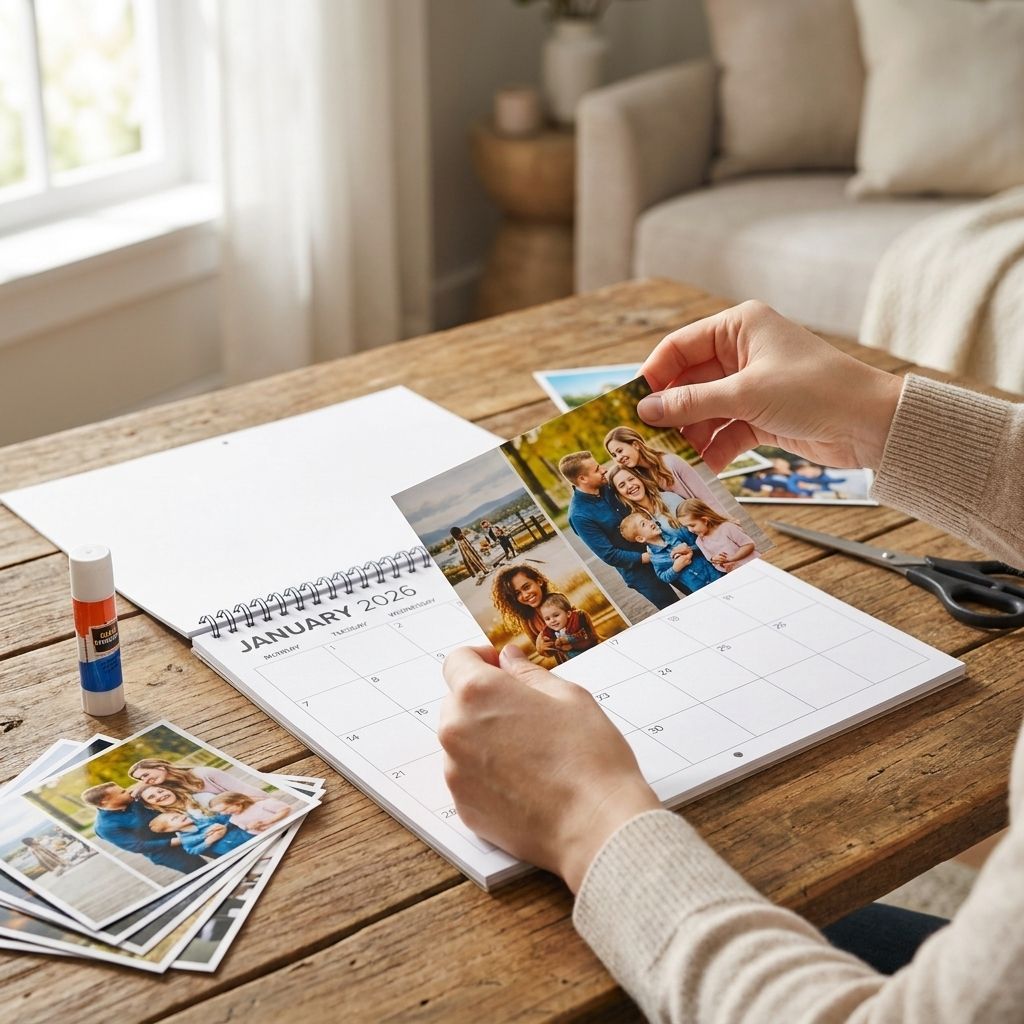
Making a photo calendar for 2026 takes under an hour if you pick the right photos first and let the software handle the grid work.
TL;DR
- A 12-month photo calendar for 2026 needs 12-15 high-resolution images, ideally 300 DPI or higher.
- Wall calendars outperform desk calendars for gift-giving; desk calendars win for office use in 2026.
- Landscape-orientation photos crop cleaner into standard calendar grids than portrait shots.
- Order by early December 2026 for standard UK delivery if the calendar is a Christmas gift.
- Pixa Prints handles the layout and date grid automatically once photos are uploaded and sequenced.
Why this matters
A generic printed calendar from a shop costs a few pounds and gets binned by February. A custom one built around your own photos gets left on the wall for all 12 months of 2026, which makes it one of the highest-visibility personalised gifts you can make.
The process is mechanical, not creative-genius territory: pick photos, sequence them, check the crop, order. Most people who get stuck do it at the sequencing or resolution stage, not the design stage. Fix those two and the rest of make your own calendar 2026 sorts itself out.
What you'll need
- 12-15 digital photos, one per month plus 2-3 spares for swapping out weak ones
- A device to upload from — phone, laptop, or tablet all work
- 15-20 minutes of uninterrupted time for the sequencing step
- A shortlist of important dates for 2026 (birthdays, anniversaries) if you want them marked
- A calendar-maker tool that lets you preview each month before you pay
If your photos are still on a phone in three different albums, pull them into one folder first. Skipping this step is the single biggest reason people abandon a calendar build halfway through.
The steps
1. Sort your photos into a shortlist of 12-15
This narrows a phone camera roll of hundreds down to something workable. Pick photos that are landscape-oriented where possible — calendar grids are wide, not tall, and portrait shots get cropped hard on the sides.
Aim for variety across the year: not five photos of the same event. A common mistake is loading a calendar with holiday snaps from one trip and leaving six months looking identical.
2. Check resolution before you upload
A photo that looks sharp on a 6-inch phone screen can look grainy printed at A4 or A3 size. For a 2026 wall calendar, anything under 1500 pixels on the shortest side will print soft.
Zoom to 100% on your screen — if it's blurry there, it prints blurry. Screenshots and heavily compressed WhatsApp images are the most common culprits.
3. Assign each photo to a month
Match photos to months where it makes sense — summer photos in June and July, not January. This is what makes a calendar feel personal rather than randomly assembled.
Leave one or two months flexible for photos you're not sure about yet. You can always swap during the preview stage before finalising for 2026.
4. Add key dates and captions
Most calendar builders let you type in birthdays, anniversaries or a short caption under each photo. This step takes five minutes but is what turns a photo grid into something someone actually references all year.
Don't overload it — three or four dates per month is plenty. A calendar crowded with text competes with the photo instead of supporting it.
5. Preview every single month
This is the step people skip and regret. Click through all 12 months in the preview, not just the cover. Check that faces aren't cropped at the edge and that no date grid overlaps a face.
Common mistake: approving the calendar after only checking the cover photo, then finding out month 7 has a person's head cut off by the automatic crop.
6. Choose size and finish
Wall calendars typically run larger for gift use; desk calendars sit smaller for an office. Pick based on where the 2026 calendar will actually hang or sit — a desk calendar bought for a wall will look undersized once it's up.
7. Order with enough lead time
For a January 2026 start as a Christmas gift, order by early December 2026 to allow for standard UK delivery windows. If it's a mid-year replacement, lead time matters less but still allow a few working days.
Troubleshooting
Photo looks pixelated in preview. The source file is too low-resolution — swap in a higher-quality version or a different photo from the same event.
Faces are cropped at the edge of the grid. Reposition the image within its frame using the crop tool rather than relying on the auto-fit; most builders let you drag the photo inside its box.
Colours look duller than the original photo. Screens display brighter than print. Slightly boost saturation and brightness before uploading if the photo was shot in low light.
Text or dates overlap the image. Switch to a layout template with a dedicated caption bar rather than text overlaid directly on the photo.
Portrait photos look squeezed. Landscape-oriented calendar grids don't suit portrait shots well — either crop to a landscape section of the photo or swap it for a horizontal one.
Order arrives after the date you needed it. Build in a buffer of at least a week beyond the estimated delivery window, especially in the run-up to the 2026 holiday season when volumes are higher.
Build your 2026 photo calendar now
Upload your photos and preview every month before you pay.
Tools and resources
- A calendar builder with month-by-month preview, not just a cover preview
- A photo folder pre-sorted by month before you start uploading
- A list of key 2026 dates (birthdays, anniversaries) ready to type in
- Backup photos for any month where the first choice doesn't crop well
What to do next
Once the 2026 calendar is ordered, the same photo shortlist works for other personalised gifts — a photo book uses the same 12-15 image set with more room for captions per page, and a canvas print can reuse the single strongest shot you didn't use in the calendar. Keep the sorted folder rather than deleting it once the order goes through.
FAQ
How many photos do I need to make a 2026 calendar?
You need 12 photos minimum, one per month, plus 2-3 spares in case a crop or resolution check rules one out. Landscape-oriented photos crop more cleanly into standard calendar grids than portrait shots.
What resolution do I need for a printed photo calendar?
Photos should be at least 1500 pixels on the shortest side to print sharp at wall-calendar size. Screenshots and heavily compressed messaging-app images are the most common cause of blurry prints.
Is a wall calendar or desk calendar better as a gift?
Wall calendars generally work better as gifts because they stay visible in a shared space all year. Desk calendars suit personal or office use where space is limited.
When should I order a 2026 photo calendar for Christmas?
Order by early December 2026 to allow for standard UK delivery timing before the holidays. Ordering earlier avoids the volume crunch that hits printing services in mid-December.
Can I add birthdays and anniversaries to a photo calendar?
Yes, most calendar builders let you type key dates directly onto each month's grid. Three or four dates per month keeps the layout readable without crowding the photo.
Why does my photo look blurry in the calendar preview?
The source image resolution is too low for the print size you've chosen. Swap in a higher-resolution version of the same photo or pick a different shot from the same event.
Do portrait photos work in a calendar layout?
Portrait photos often get squeezed or cropped awkwardly in landscape calendar grids. Cropping to the strongest horizontal section of the image usually fixes this.
How long does it take to make a photo calendar?
Sorting photos, sequencing months, and previewing all 12 pages takes 15-20 minutes once your photo shortlist is ready. Most of the time goes into picking photos, not building the layout.
One last thing
The month people most often get wrong is February — it's the shortest, so a photo with a lot of visual clutter feels cramped against a smaller date grid. Pick something simple and uncluttered for month two and the rest of the 2026 calendar falls into line around it.