
Best polaroid-style photo print sizes ranked 2026
· 12 min read
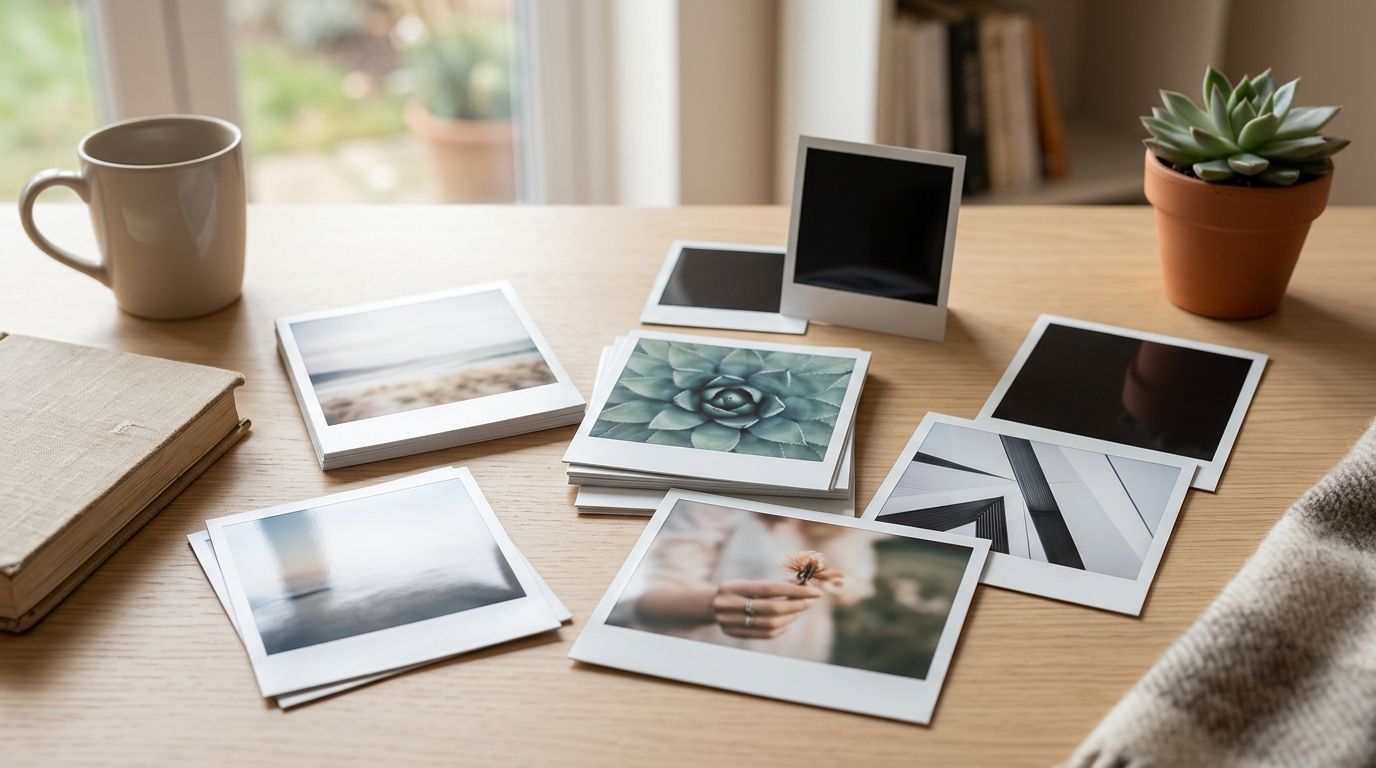
Best overall for polaroid prints in 2026: a 4 × 4 in square for everyday displays. Best for a compact guest book: a 3 × 3 in square. Best for a larger keepsake: a 5 × 5 in square. These are planning sizes, not a list of formats confirmed for sale by a particular printer.
TL;DR
- For polaroid prints in 2026, choose a 4 × 4 in square when you want one size for gifts and displays.
- Choose 3 × 3 in for a compact guest book; choose 5 × 5 in when the photo needs more room.
- Pixa Prints is a photo-gift option, but check its current print formats before designing around these sizes.
Why this matters
A polaroid-style print gets its character from the square-looking photo and the border beneath it. The outside dimensions alone do not tell you how large the picture will look. A wide border on a small print can leave little room for faces, while a large print can feel awkward in a guest book.
In 2026, start with where the finished photo will live: in a book, on a wall, beside a card or in a keepsake box. If you want a conventional print to frame instead, compare the display options in this guide to photo prints for framing and wall display. Pixa Prints creates personalised photo gifts, but its available formats must be checked separately; the dimensions below help you plan your layout, not identify a Pixa Prints product range.
What makes the best polaroid-style print size?
Use these criteria before choosing a number. They matter more than making every photo match the same template.
- Picture area: Decide how much of the print should show the photograph after you add a border. Keep faces and other important details inside that area.
- Destination: A guest-book page needs space for messages; a wall display needs enough visual presence to read from where you stand.
- Original photo shape: A portrait, landscape or square source will crop differently inside a square picture window. Check the preview rather than cutting off a person to preserve the border.
- Writing space: If guests will sign beneath the image, leave a blank lower margin that you can write on comfortably.
- Group consistency: A grid is easier to arrange when its prints share outside dimensions, even if the photos show different subjects.
- Source quality: Enlarging a small or heavily cropped image makes flaws easier to see. Review the actual file at the planned print size.
Measure the outside print and the picture window separately. A 4 × 4 in sheet with a border is not a 4 × 4 in photograph. That distinction is the quickest way to avoid an unexpectedly small image.
Polaroid-style print sizes at a glance
The sizes below are layout choices for 2026, not verified stock or product specifications. An inch equals 25.4 mm, so convert both dimensions if your album, frame or page is measured in millimetres. Check the printer's available sizes before building a design.
| Planning size | Best for | Standout feature | Key limitation |
|---|---|---|---|
| 4 × 4 in square | One size for gifts and everyday displays | Balances picture area with room for a border | Square crops can cut into wide photos |
| 3 × 3 in square | Compact wedding guest books | Leaves more page space for handwritten notes | Faces can look small after a border is added |
| 5 × 5 in square | A single-photo keepsake | Gives the picture more presence | Takes up more room in albums and collages |
| 6 × 4 in rectangle | Landscape photos you do not want to crop square | Keeps more of a wide composition | Reads less like the familiar square-photo look |
| 6 × 6 in square | A planned wall grid | Makes a repeated square layout easy to picture | Demands more wall space and a suitable source file |
The 4 × 4 in square ranks first because it works as a planning default across several uses. It does not win every job: a guest book needs writing room, and a landscape scene often needs its original shape more than it needs a square crop.
1. 4 × 4 in square: best polaroid-style size for everyday displays
A 4 × 4 in outer print is the clearest starting point for a photo you want to give, pin up or arrange with others. Its square outline suits the polaroid-style idea, while a lower border can make room for a date or a short handwritten note. In 2026, treat that border as part of the design rather than something to add after choosing the crop.
4 × 4 in square pros:
- Fits a square-photo layout without making the overall piece as large as the wall-display options.
- Works as a consistent unit when you arrange several different memories together.
- Gives you a simple size to sketch against an album page or display area.
4 × 4 in square cons:
- A landscape group shot can lose people at the edges when cropped square.
- A generous border reduces the visible picture area.
Best for: Someone choosing one planning size for a mix of personal photos. Verdict: Buy if the printer offers the dimensions and your crop preview keeps the subject intact; otherwise, choose a format it actually sells.
2. 3 × 3 in square: best polaroid-style size for a compact guest book
A 3 × 3 in outer print leaves more of a guest-book page available for names and messages than a larger square. Use it when the handwritten notes matter as much as the photos. Portraits with one or two clear subjects suit this small format better than a busy group scene.
For a wedding, plan the page before you order prints. Put a sample-size paper square on the page, then leave room beside or below it for a message. A lower photo border is an optional place for a date, but it does not replace the writing space on the page.
3 × 3 in square pros:
- Leaves space for guest-book messages.
- Makes it easier to place multiple memories across separate pages.
- Suits close-up portraits and simple compositions.
3 × 3 in square cons:
- Faces shrink quickly when the border takes up part of the sheet.
- Fine background details will be difficult to appreciate at this size.
Best for: A compact book built around photos and handwritten messages. Verdict: Buy for close-up images and a measured page layout; skip it for crowded group photographs.
3. 5 × 5 in square: best polaroid-style size for a single-photo keepsake
A 5 × 5 in square gives one image more attention. It suits a portrait or a moment you want someone to pause over, rather than a large stack of casual snapshots. Keep the border proportional: the picture should remain the reason you chose the larger format.
Before settling on it, make a paper template and hold it against the intended display spot. If the photo will go in a book, check the usable page area and binding space as well as the outer dimensions. A square print that fits on the page can still crowd its caption.
5 × 5 in square pros:
- Gives a single photo more visible area than the smaller squares.
- Leaves room to experiment with a lower caption border.
- Makes a strong focal piece among smaller prints.
5 × 5 in square cons:
- Occupies more album or display space.
- A square crop still works against some wide or tall source photos.
Best for: One standout memory rather than a compact collection. Verdict: Buy when you have a suitable image and a measured place to put it; hold if the destination is undecided.
4. 6 × 4 in rectangle: best for keeping a landscape photo intact
A 6 × 4 in rectangle trades the square outline for breathing room across a wide photograph. That makes sense for a family group, a holiday view or any shot whose story sits near the edges. Add a border if you like the instant-photo feel, but do not call the result square.
This is the exception that protects the picture. In 2026, a recognisable polaroid-style border is less valuable than keeping everyone in the photo. Test a square crop first; if it removes something important, retain the landscape shape.
6 × 4 in rectangle pros:
- Preserves more of a landscape composition than a square crop.
- Gives group photos room across the frame.
- Lets you add a lower caption area without requiring a square image.
6 × 4 in rectangle cons:
- Does not match the familiar square-photo silhouette.
- Mixed into a square grid, it needs a different layout plan.
Best for: Wide photos where the edges matter. Verdict: Buy when the square crop cuts off the story; skip it if a uniform square display is your priority.
A square border and a landscape border solve different problems. Compare them using the same original photograph before you commit to a full set.
5. 6 × 6 in square: best polaroid-style size for a wall grid
A 6 × 6 in square suits a display planned as a set. Repeated outside dimensions give you a straightforward grid, while the larger sheet gives each picture more room than the compact guest-book sizes. Choose the arrangement first, then decide whether every photo can survive a square crop.
Lay paper squares on the wall or floor before ordering. Check their spacing from the place you will usually view them, and inspect every image individually; one blurry enlargement stands out in an otherwise tidy grid.
6 × 6 in square pros:
- Creates consistent outside dimensions for a grid.
- Gives each image room to be seen within a larger display.
- Lets you test the arrangement with simple paper templates.
6 × 6 in square cons:
- Uses more wall space than the smaller choices.
- Exposes weak source files and severe crops more clearly.
Best for: A square-photo wall arrangement planned in advance. Verdict: Buy after testing the wall space and each source image; wait if you have not chosen the photos.
How to choose your crop before printing
The print size is only half the decision. A polaroid-style layout has an outside edge, a picture window and often a deeper margin below the image. Decide on all three before you place an order in 2026.
- Mark the destination. Measure the guest-book page, album pocket or display space. Allow room for writing or spacing around the print.
- Choose the outside size. Start with the ranked options above, then confirm what your chosen printer offers. Do not build an entire layout around an unconfirmed format.
- Test the picture window. Put the actual photo inside your proposed border. Check faces, hands, pets and landmarks near the edges.
- Compare square and original crops. If a square loses the point of the photo, use a rectangular format or choose another image.
- Inspect the source file. Open the image itself, not just a small phone thumbnail. Look at the area you intend to print, especially after cropping.
For a square design, cropping the picture and adding the border are separate actions. First decide what belongs inside the image. Then decide how much space the border needs. Reversing that order can leave you with a neat frame around the wrong part of the memory.
Pixa Prints lets consumers upload personal photos for personalised photo gifts. If you want to use a photo-print format for this project, check the current size and layout choices on its site before preparing a full batch. Pixa Prints is best approached here as a photo-gift option, not as a confirmed supplier of every polaroid-style size in this ranking.
How these sizes were ranked
The ranking weighs picture area, destination, crop flexibility and ease of arranging several prints. The 4 × 4 in square comes first as the most adaptable planning choice. The 3 × 3 in square moves ahead for a small guest book; the 6 × 4 in rectangle wins when keeping a landscape photo intact matters more than keeping the square outline.
These are design recommendations, not a comparison of printers, print quality or available products. In 2026, verify the finished dimensions with the printer and check whether a stated size refers to the whole sheet or only the image area.
Which polaroid-style print size should you choose?
Choose a 4 × 4 in square if you want a simple default for a mix of photos. Choose 3 × 3 in for a compact guest book, 5 × 5 in for one keepsake, 6 × 4 in to protect a wide composition or 6 × 6 in for a planned wall grid. Each recommendation depends on finding an available print format and confirming that the final crop looks right.
FAQ
What is the best size for polaroid prints in 2026?
A 4 × 4 in outer square is the best all-purpose planning size for polaroid prints in 2026. Check the printer's available dimensions and allow for the border when judging how large the photo will appear.
What size works best for a wedding photo guest book?
A 3 × 3 in outer square works well as a starting point for a compact wedding guest book. Test a paper template on the page so guests still have room to write.
Is a 5 × 5 in square better than a 4 × 4 in square?
A 5 × 5 in square is better for a single photo you want to display prominently. A 4 × 4 in square is easier to plan around when you want several prints in a smaller space.
Should polaroid-style photos always be square?
No, a rectangular layout is the better choice when a square crop removes important parts of a landscape photo. You can still plan a border around the wider picture.
Does the print size include the white border?
That depends on how the printer specifies its format, so confirm whether its stated dimensions describe the whole sheet or the image area. In this guide, every planning size refers to the outside of the print.
What size should I choose for a wall grid?
A 6 × 6 in outer square is a useful planning option for a wall grid. Test paper templates against the available wall space and check each photo's square crop before ordering.
Can Pixa Prints supply these exact polaroid-style sizes?
The supplied information does not confirm that Pixa Prints offers these exact formats. Check its current photo-print choices before designing around a specific size.
One last thing
Before printing a set in 2026, make one paper template with both the outside edge and the picture window marked. Hold it beside a face in your chosen photo. If the window feels too small, change the border or the print size before you spend time cropping the rest.