
Photo Prints for Framing: 2026 Wall Display Guide
· 8 min read
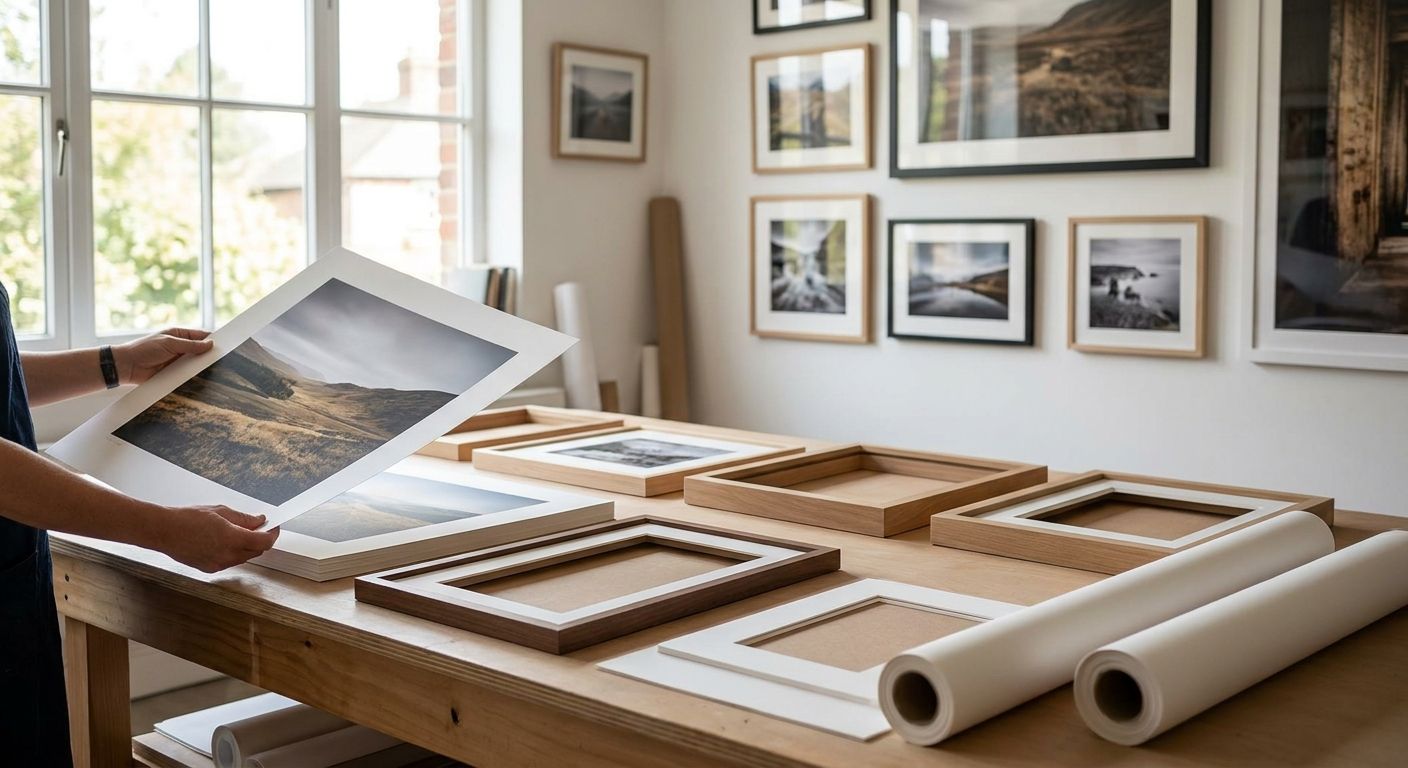
Framing a photo sounds simple until the print comes back soft, cropped wrong, or glaring under the living room lights. Photo prints for framing need the right size, finish and file quality matched to your wall — get one of those wrong and the frame does nothing to save it.
TL;DR
- Photo prints for framing need at least 300 DPI at your chosen size — anything lower looks soft. Buy sharp files only.
- Standard frame sizes like 8x10 and 12x16 crop most phone photos — check aspect ratio before you order.
- Matte finish beats gloss for framing behind glass; gloss creates glare under most room lighting in 2026 flats.
- Large canvas prints from Pixa Prints skip framing altogether for statement walls over 24 inches wide.
- Pet portraits and wedding shots need colour-accurate labs — cheap prints shift skin tones and fur colour.
Why this matters
A framed print is a permanent object in your room, not a phone screen you swipe past. Once it's on the wall, every soft edge or wrong crop is visible every single day in 2026, and swapping it out means buying another frame.
Most people lose the plot at the file stage, not the frame stage. They pick a beautiful frame, then drop in a phone photo that was never shot for a 12x16 print, and wonder why it looks fuzzy.
Getting the print right before the frame goes up saves you a second purchase and a second trip up the ladder.
Who this is for
This is for anyone turning phone photos, old family snaps, or a professional shoot into wall art — a gallery wall refresh, a wedding photo you finally want to display, or a gift for someone who'll actually hang it. If you're choosing between print sizes, finishes and formats and don't want to guess, read on before you upload a single file.
What to look for in photo prints for framing
Print size and frame ratio
Standard frames come in fixed ratios — 8x10, A4, 12x16 — and most phone photos are shot at a 4:3 or 16:9 ratio that doesn't match any of them. Check the right canvas print size for your wall before you buy a frame, because the crop happens whether you plan for it or not.
Paper finish
Matte cuts glare and hides fingerprints behind glass; gloss punches up colour but bounces every ceiling light straight back at the viewer. For anything going behind glass, matte or lustre wins in most UK living rooms with overhead lighting.
File resolution and DPI
A sharp print at 12x16 inches needs roughly 300 DPI, which works out to around 3600 x 4800 pixels. Anything shot on an older phone or pulled from a social media app will fall well short of that at larger sizes, and the softness shows up the moment you're standing closer than arm's length.
Colour accuracy
Skin tones and fur colour are the first thing to shift on a cheap print run — a warm portrait can come back with a pink or yellow cast that nobody notices until it's framed and lit. A proper photo lab colour-corrects the file before printing, not after a complaint.
Border and mount allowance
If your frame has a mount, the printed image needs extra margin so nothing important sits under the mount edge. Faces cropped at the chin because nobody left a border is one of the most common framing mistakes in 2026, and it's completely avoidable.
Top picks for framing and wall display
Classic matte photo print — the safe pick. Standard sizes from 6x4 up to 12x16, matte finish, no glare under ceiling lights. Order at 300 DPI and it holds detail even close up. Buy — this is the default for gallery walls and standard frames.
Large-format canvas — the no-frame wildcard. Skips the frame entirely and works at sizes most standard frames can't touch, which makes it the pick for a single statement wall over 24 inches wide. See what actually works at scale in canvas photo prints for large living room walls. Buy — if you want one big piece instead of a gallery wall.
Black-and-white contrast print — the minimalist pick. Strips colour casting problems out entirely, which means a mediocre original file can still look intentional once it's mono. Works best for portraits and architecture, less well for landscapes that rely on colour contrast. Consider if your original file has uneven lighting.
Pet portrait print — for the specific audience that wants it. Fur colour and eye detail are the two things that go wrong fastest on a cheap print. See canvas photo prints for pet portraits for what a proper colour-matched lab run looks like on fur. Buy — this is a case where the cheap option genuinely looks cheap.
Photo collage set — the crowded pick. Works when you've got six or more photos telling one story, but a collage frame with only two or three photos looks sparse rather than curated. Skip unless you've got the photo count to fill it properly.
Turn your photos into wall-ready prints
Upload, choose your size and finish, and get it printed and delivered.
What to avoid
- Screenshots and downloaded social media images. They're compressed and stripped of resolution data — fine on a screen, visibly soft the moment they're printed past 6x4.
- Gloss finish opposite a window or under a downlight. It looks rich in the preview and turns into a mirror the second it's hung in the wrong spot.
- Ordering a size before checking the crop. A 4:3 phone photo forced into an 8x10 frame loses roughly 10% off one edge — check the crop preview before you confirm, not after the frame's already up.
Verdict comparison
| Pick | Best for | Key spec | Verdict |
|---|---|---|---|
| Classic matte print | Gallery walls, standard frames | Matte finish, 300 DPI | Buy |
| Large canvas | Single statement wall | No frame needed, 24in+ | Buy |
| Black-and-white print | Uneven original lighting | Mono conversion | Consider |
| Pet portrait print | Pet owners | Colour-matched fur tones | Buy |
| Photo collage set | 6+ photo stories | Multi-panel layout | Skip if under 6 photos |
FAQ
What resolution do I need for photo prints for framing?
Aim for roughly 300 DPI at your chosen print size, which for a 12x16 inch print means around 3600 x 4800 pixels. Below that, detail starts to soften once the print is closer than arm's length.
Is matte or gloss better for framing behind glass?
Matte is better for most framed prints because it cuts glare from ceiling lights and windows. Gloss looks punchier in isolation but reflects light back at the viewer once it's under glass.
Can I print photos straight from my phone for framing?
Yes, as long as the file resolution matches your print size — check ordering photo prints straight from your phone for the size limits that apply. Photos under 8x10 usually hold up fine from a modern phone camera.
Why does my framed photo look cropped wrong?
Standard frame ratios like 8x10 don't match the 4:3 or 16:9 ratio most phones shoot in, so the print gets cropped to fit. Check the crop preview before ordering, or choose a frame size closer to your photo's native ratio.
What size photo print is best for a gallery wall?
Mixing 8x10 and 12x16 prints across a gallery wall creates visual variety without overwhelming a single wall. Keep finishes consistent across the set so the wall reads as one collection rather than mismatched pieces.
Do canvas prints need a frame?
No, canvas prints are stretched over a frame during production and hang directly on the wall without an additional frame. That's what makes them a common choice for large statement pieces where a traditional frame would be expensive at scale.
How do I stop a framed photo from fading?
Keep framed prints out of direct sunlight, which is the single biggest cause of fading over time. UV-protective glass in the frame slows fading further but doesn't stop it completely.
What's the best photo finish for a wedding print?
Lustre or matte finishes hold skin tones better than gloss for wedding portraits, especially under warm indoor lighting. See canvas photo prints for wedding photo displays for layout options that suit a full wedding set.
One last thing
The detail people skip most often isn't the frame or the finish — it's leaving zero margin around faces near the edge of the crop. A face sitting 2mm from the print edge looks fine on screen and gets clipped the moment the mount goes on. Leave a wider border than feels necessary; you can always trim a mount tighter, but you can't add back what got cropped off.