
Personalised 2027 calendars for wedding countdowns
· 12 min read
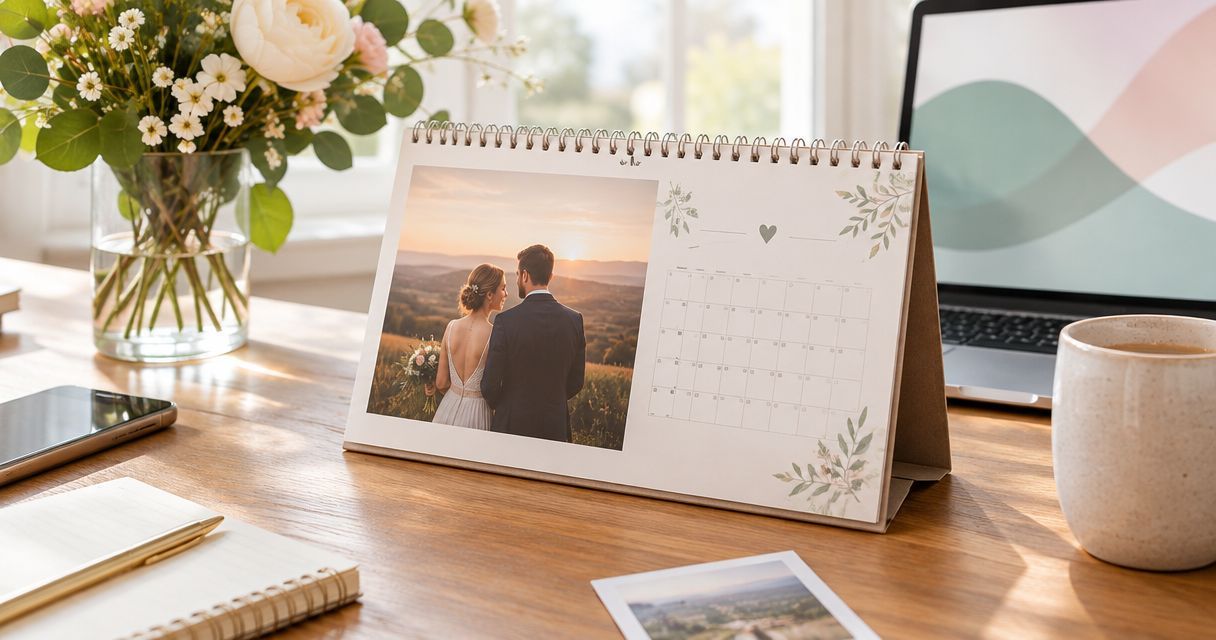
Engaged couples’ wedding countdown calendar is a personalised photo calendar that pairs shared memories with planning milestones to make the wait feel special. For a 2026 wedding countdown calendar, choose meaningful pictures, mark confirmed dates and keep changing arrangements separate from the printed design.
TL;DR
- Pixaprints personalised calendars suit couples who want their own photos at the heart of a wedding countdown.
- Build your 2026 wedding countdown calendar around confirmed dates, meaningful photographs and readable monthly pages.
- Keep private wedding planning details off a calendar displayed where visitors can read it.
- Use a separate shared diary for changing appointments; let your photo calendar celebrate the milestones.
Why personalised calendars matter for engaged couples
A wedding countdown has two jobs: helping you see what is coming and reminding you why you are looking forward to it. Your favourite photographs handle the second job; a clear calendar handles the first. Give memories the spotlight and keep practical notes short.
Unlike an everyday family calendar, a wedding version has a fixed destination. It also involves two people whose favourite pictures, planning habits and privacy preferences might differ. Agree on what belongs on display before either of you starts arranging pages.
Start with how to pick photos for a personalised calendar if your pictures are scattered across phones and folders. Selecting the images first makes it easier to build a consistent design rather than filling empty spaces at the end.
For your 2026 countdown, separate the calendar’s purpose from the wedding’s administration. You can celebrate a tasting or a final fitting without printing supplier contact details, payment information or a full guest list beside the photograph.
How to make your wedding countdown calendar
1. Agree on the countdown’s purpose
Decide whether your calendar is mainly a keepsake, a visible planning reminder or a gift for your partner. A keepsake needs photographs you will still enjoy after the wedding. A planning reminder needs room to read dates without a decorative caption competing for attention.
Write a short brief together before choosing pictures. Something as simple as celebrating your relationship while keeping the wedding date visible gives you a useful test for every design decision. If an addition does neither, leave it out.
If you are making a surprise gift, keep the practical information conservative. Use dates your partner already knows and photographs they are comfortable displaying, rather than revealing a private plan or assuming an appointment is settled.
- Choose one main purpose: keepsake, reminder or partner gift.
- Decide where the calendar will be displayed before selecting photographs.
- Agree whether visitors should be able to read the entries.
- Set aside sensitive details for a private planning document.
2. Map the months before arranging photographs
Sketch the countdown on paper first. Write the wedding date at the end of your planning timeline, then work backwards through confirmed appointments and decisions. This simple draft shows whether you need a year-long view or just a small set of meaningful milestones.
A 12-month calendar is not automatically a 12-month countdown. If the wedding falls partway through 2026, decide what the remaining pages should do: continue with relationship memories, hold shared plans or simply work as an everyday calendar.
Never assume a calendar supports a particular start month or date-entry feature. Check the selected format before building your design around either. A handwritten note added after printing is a sensible alternative to a feature the format does not offer.
- Wedding date: confirm the day, month and year together.
- Shared milestones: choose moments you both want to celebrate.
- Flexible plans: keep provisional arrangements outside the printed design.
- Final check: compare the draft with your current planning diary.
Those four checks create a clear order: establish the destination, add meaningful stops, separate uncertainty and proofread the result.
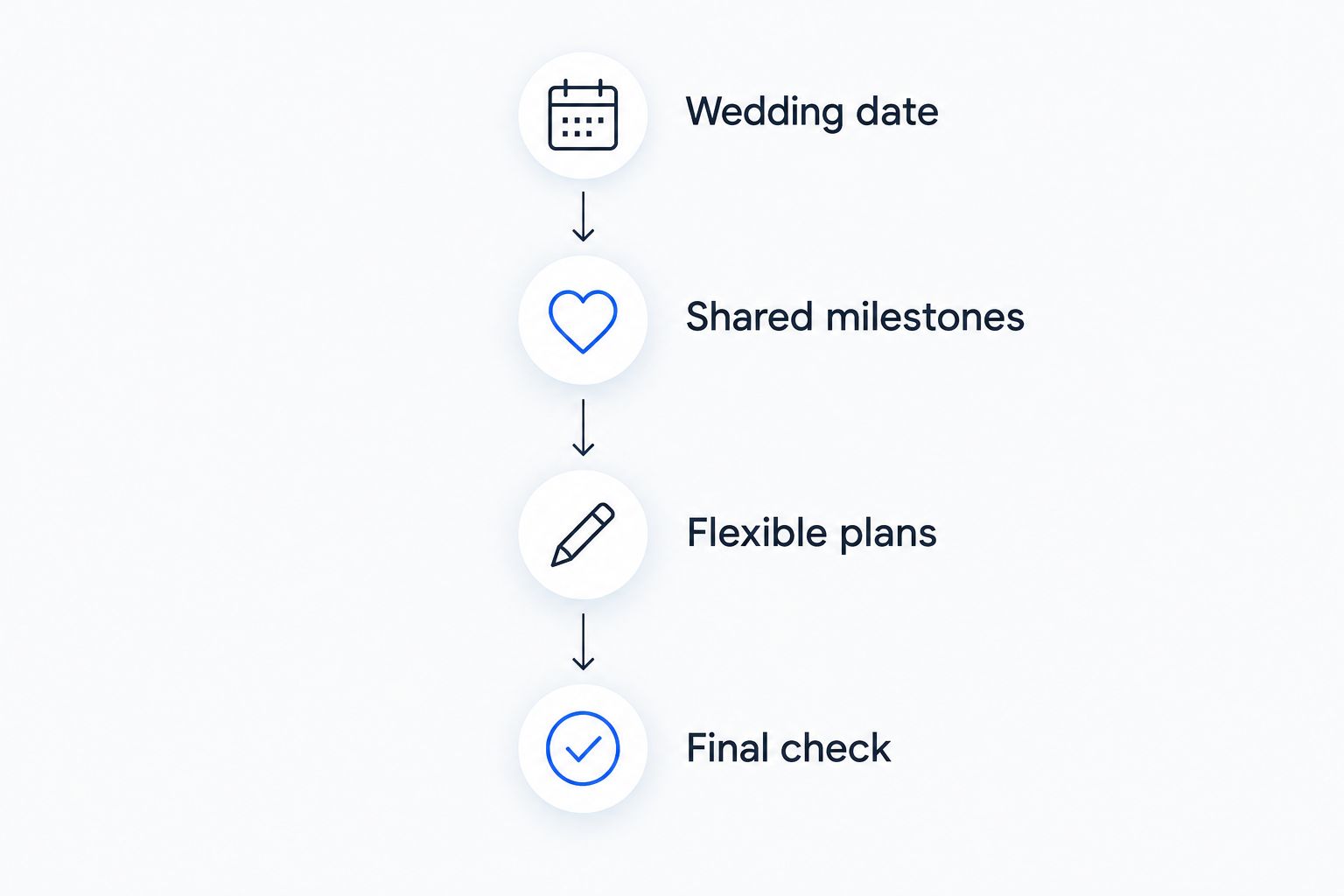
Keep provisional arrangements separate from the dates you commit to print.
3. Gather photographs that tell your story
Create a shared folder and add original image files wherever you have them. Start with places and moments you both recognise: a favourite walk, a holiday, your engagement or an ordinary afternoon that still makes you smile. A relationship story does not need to look like a professional portfolio.
Pixaprints personalised calendars suit couples who want their own photos at the heart of a wedding countdown. Once you have a shortlist, using a personalised printing service gives you an alternative to assembling every page by hand. Check the calendar format before committing your photo selection to it.
Choose pictures for their meaning and how well they fit the available space. A beautiful wide photograph can lose its story if the crop removes the place you wanted to remember. Keep an alternative image ready rather than forcing every favourite into the same layout.
- Gather original files rather than screenshots wherever possible.
- Include everyday memories alongside engagement photographs.
- Keep alternative images for awkward crops or unclear details.
- Ask your partner before using a photograph they consider private.
4. Give every page one clear focus
Arrange your shortlist in a simple paper mock-up before uploading anything. Give each month a lead photograph, then add only the notes that support the countdown. You do not need a new visual theme for every page; repeated choices can make the calendar feel like one connected story.
For a 2026 calendar, distinguish between the month being displayed and the memory shown above it. A photograph taken on a summer holiday can still belong on a winter page if it matters to your relationship. Avoid captions that accidentally suggest the picture was taken that month.
Try a review with 2 people: one reads the dates while the other checks photographs and captions. Then swap roles. This gives both of you a chance to notice an incorrect name, an unflattering crop or a milestone that should stay private.
- Choose one lead photograph for each page.
- Keep captions short enough to read comfortably.
- Leave the date grid visually separate from decorative notes.
- Check every face and important detail in the crop.
- Use the same wording style for repeated countdown entries.
5. Add personal milestones without creating pressure
Choose milestones that make the wait enjoyable, not just productive. You might mark an engagement anniversary, a date night or a walk somewhere special. These are suggested additions, not another list of wedding tasks you have to complete.
Make the entries specific to your relationship. A favourite café or the place you first met tells more of your story than a generic romantic slogan. If you are planning new pictures for the calendar, choosing engagement photo locations around places that matter to you gives those photographs a personal connection beyond their appearance.
Keep people-related surprises separate from a calendar your partner or visitors will see. If you are planning personalised photo gifts for bridesmaid proposals, record the preparation privately until the people involved have been asked. The calendar should celebrate your plans without announcing them accidentally.
- Add relationship anniversaries you both enjoy remembering.
- Include an ordinary shared activity, not only wedding appointments.
- Keep surprise gifts and unannounced roles off public pages.
- Write confirmed events in permanent form and flexible plans separately.
6. Proofread the calendar where you will use it
Finish the design with a practical review, not just a quick glance at the photographs. Read every date and caption aloud, then inspect each image at the size offered in the preview. Confirm any important wedding information against your current records rather than your first planning notes.
Set aside 10 minutes for this final check as a deliberate planning task. That is a suggested review window, not a production promise. Check the current ordering and delivery information separately before choosing when to order from Pixaprints.
Think about the finished calendar in its intended room. A kitchen display needs readable entries; a more private spot gives you greater freedom with personal captions. Neither setting needs the booking references or financial details that belong in your wedding records.
- Confirm the wedding date and both names character by character.
- Inspect image crops, especially faces near an edge.
- Remove private contact, booking and payment information.
- Check the current format and ordering details before submitting.
A simple placement test helps: put your paper draft where the calendar will live and stand where you normally read it. If the main date is hard to find, simplify the page before printing.
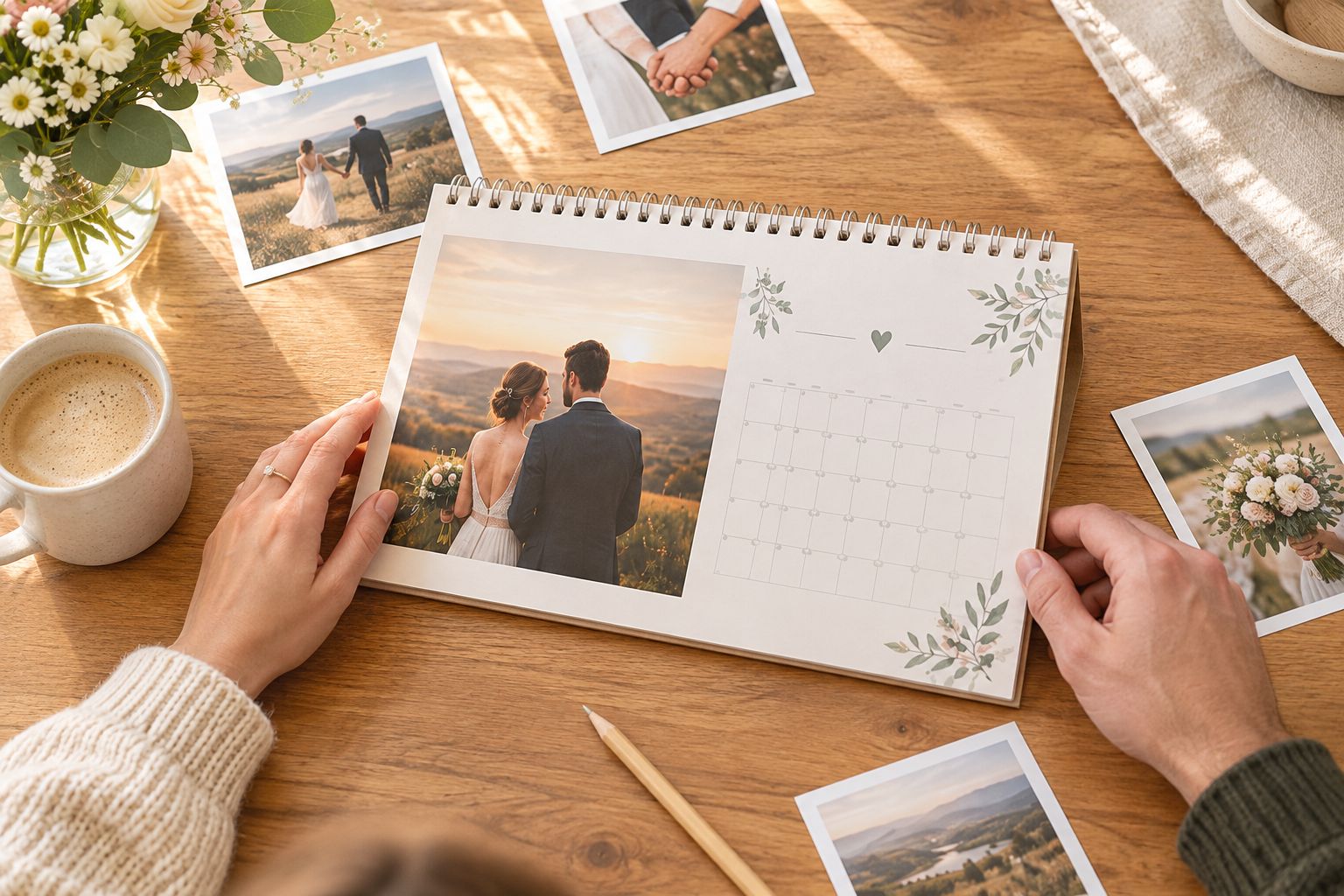
Review the photographs and the practical layout before committing the design to print.
Compare wedding countdown calendar options
Choose the format around how you will use it, not how elaborate it looks. A printed photo calendar celebrates memories, while a shared digital calendar handles changes. A handmade countdown gives you control over the layout but leaves the assembly to you.
| Option | Best for | Main advantage | Key limitation |
|---|---|---|---|
| Pixaprints personalised calendar | Couples who want a printed calendar using personal photos | Combines your photographs with an everyday calendar | You must check that the selected format suits your countdown plan |
| Handmade paper countdown | Couples who enjoy making the finished piece themselves | Lets you arrange photographs and notes by hand | You handle assembly, date checking and later alterations |
| Shared digital calendar | Couples coordinating changing appointments | Keeps editable arrangements separate from the keepsake | Does not create a printed photo display |
| Printed calendar plus digital diary | Couples who want memories on display and flexible planning | Gives each format a distinct job | Requires agreement about where the current details live |
For a 2026 wedding, the combined approach keeps the distinction clear: the printed calendar holds the memories and headline milestones; the digital diary holds current appointment details. Avoid copying every entry into both places unless you are prepared to maintain both.
Common mistakes engaged couples make
Printing a countdown before confirming the date
A prominent wedding date becomes part of the keepsake. Confirm it before committing the design to print, and do not present a provisional booking as settled. If the date is undecided, make a relationship calendar rather than an exact countdown.
Treating every page as a planning checklist
A calendar full of deadlines can leave little room for the photographs you wanted to enjoy. Keep detailed tasks in your planning system and reserve the display for a few clear milestones. The calendar should remind you of your relationship, not only your workload.
Choosing photographs without checking the crop
A meaningful picture still needs to work in its allotted space. Check whether faces, landmarks or gestures disappear at the edges. Replace an unsuitable image rather than accepting a crop that removes its meaning.
Making a gift that reveals private arrangements
A countdown calendar can expose surprise plans, guest information or appointments when left on display. Review it from a visitor’s point of view before gifting it. Personal does not have to mean public.
FAQ
What's the best way to make a wedding countdown calendar?
Start with the confirmed wedding date, choose meaningful photographs and add only the milestones you want on display. Keep changing appointments in a separate diary so the printed calendar remains a clear, personal keepsake.
Can I use a personalised calendar as a wedding countdown?
Yes, a personalised calendar can mark the months and milestones leading to your wedding. Check the chosen format before assuming it supports a particular start month or printed date entries.
Is a photo calendar better than a digital wedding countdown?
A photo calendar is better for displaying memories; a digital calendar is better for maintaining changing arrangements. Use both when you want a keepsake and a separate place for current planning details.
What photos should we put in our wedding countdown calendar?
Choose photographs that represent your relationship, including everyday moments, favourite places and engagement memories. Use original files where possible and check that important details remain visible after cropping.
Should we print every wedding appointment on the calendar?
No, reserve the printed calendar for confirmed milestones and keep detailed appointments elsewhere. This avoids filling a personal display with information that changes or should remain private.
Can I give my partner a wedding countdown calendar as a surprise?
Yes, use photographs your partner enjoys and dates they already know. Leave out private surprises, unannounced wedding roles and provisional arrangements.
Does Pixaprints make personalised photo calendars?
Yes, Pixaprints offers personalised photo calendars using customers' own photographs. Check the current calendar options and format details before deciding how to turn one into your wedding countdown.
One last thing
Decide what the calendar becomes after the wedding. Leave the remaining pages useful, choose photographs you will still want to see and keep a copy of your final image selection. A countdown ends on the wedding day, but the story in the pictures does not.