
Personalised 2027 calendars for allotment and gardening enthusiasts
· 13 min read
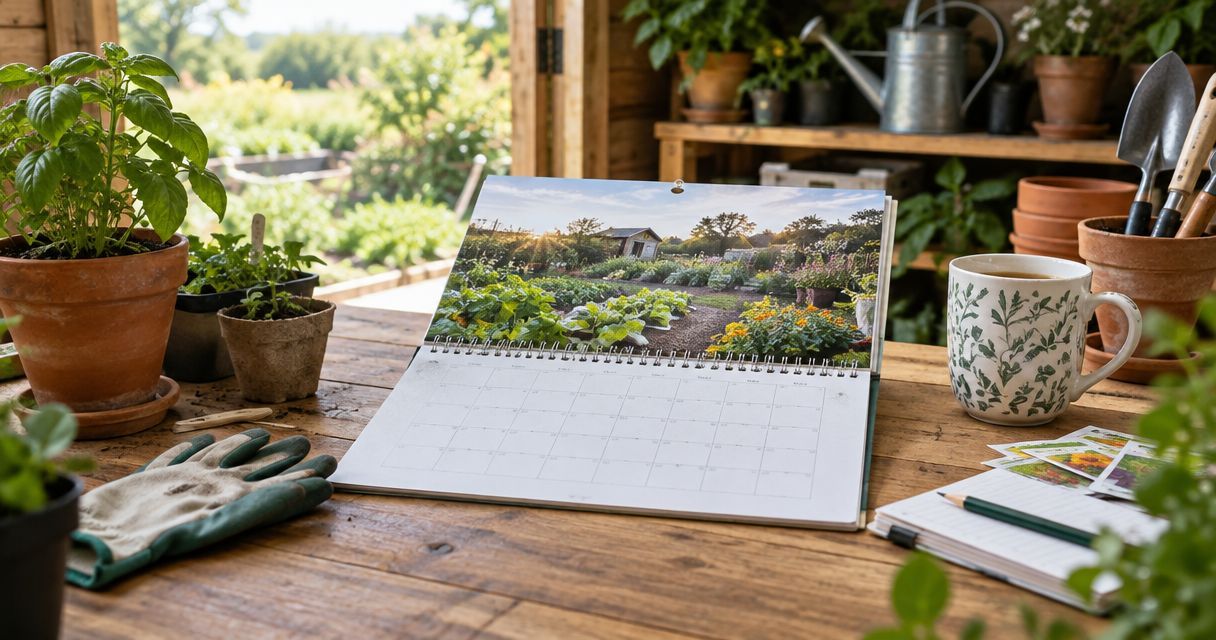
A personalised 2026 gardening calendar is a photo calendar for allotment and gardening enthusiasts that combines pictures of their own growing space with dates for planning and remembering. This guide helps you choose meaningful photos, arrange them through the seasons and keep practical reminders separate from gardening advice that depends on your crops and conditions.
TL;DR
- Choose a personalised 2026 gardening calendar that celebrates your own plot, rather than copying a generic planting schedule.
- Pixaprints suits gardeners who want a personalised photo calendar made with their own growing memories.
- Arrange allotment photos seasonally, but check seed packets and local conditions before deciding when to sow.
- Keep a separate gardening notebook for crop varieties, weather observations and detailed growing records.
Why personalised calendars matter for gardeners
Your garden has its own story: the first seedlings on a windowsill, a repaired raised bed, a favourite rose and the harvest you shared with someone. A calendar gives those moments a place in everyday life. It also makes a thoughtful gift without requiring you to guess which tools or plants the recipient needs.
An allotment calendar needs a different approach from a general family calendar. Photos should reflect the plot’s changing appearance, while any gardening reminders need to respect the difference between a date on paper and the conditions outside. A seasonal photo is a memory, not an instruction to sow.
Start with the pictures you already have. The guide to choosing photos for a personalised calendar is useful when you need to turn a large camera roll into a manageable selection.
Pixaprints personalised calendars are best for gardeners who want their own plot photos, not generic garden pictures. You supply the personal connection; a printed calendar does not replace a growing diary or crop-specific advice.
How to make a gardening calendar that feels personal
Choose one clear purpose
Decide whether your calendar is mainly a gift, a display of gardening memories or a place to note upcoming tasks. You can combine these purposes, but one should lead. A gift for an allotment partner might focus on shared successes, while a calendar for your kitchen might favour clear pictures and useful dates.
Begin with a free planning exercise: write the recipient’s name and the calendar’s purpose at the top of a sheet of paper. Underneath, list the moments that belong to that person’s gardening life. This prevents a collection of attractive but unrelated flower photographs from taking over.
For your 2026 calendar, choose a theme broad enough to cover the whole year. A single crop can be restrictive if you have only a few good photographs; a theme such as your allotment year leaves room for people, plants and changing views.
- Choose between a memory-led gift and a practical household calendar.
- Name the garden, allotment or gardener you want to celebrate.
- Include the recipient’s favourite plants rather than only your favourites.
- Decide whether people and pets belong alongside plant photographs.
- Write a short theme to guide later photo choices.
Gather originals and build a shortlist
Use your phone’s photo library or an ordinary computer folder to collect images before opening a design tool. Look for original files rather than screenshots of photographs or copies saved from messages. Starting with the originals gives you more image detail to work with when cropping.
Create 1 project folder and put your first choices inside it. For a monthly photo plan, aim for 12 main images, then keep alternatives nearby rather than forcing the first selection to work. Shortlisting up to 3 photos per month is a useful editing exercise, not a requirement of any calendar service.
Pixaprints offers personalised photo calendars using your uploaded pictures. Once you have a shortlist, that is the service route from personal photographs to a printed calendar; confirm the current format and design choices before committing to a layout.
Be selective. A sharp photograph of a familiar watering can beside seedlings can carry more meaning than a distant view where the garden is barely visible.
- Collect original files from the devices that took the photographs.
- Keep a backup of the selected pictures before making edits.
- Remove obvious duplicates and accidental screenshots.
- Enlarge each candidate to check focus on the main subject.
- Keep an alternative for any image with awkward framing.
Arrange photos around your own seasons
Lay out your photographs in month order using a notebook, a document or small preview images. Match each picture to the feeling of that month in your own garden rather than treating another gardener’s calendar as a planting timetable. A bare winter bed can be just as personal as a basket of tomatoes.
For a 2026 gardening calendar, use photographs from your collection without suggesting that they predict the coming season. A blossom picture belongs where it tells your garden’s story; it does not promise a flowering date. If you want accurate context, check the photograph’s original capture date before assigning it to a month.
Vary the subject while keeping the overall theme consistent. Alternate wide views with close-ups and include a gardener occasionally if that makes the calendar more personal. You do not need every page to show a finished result.
- Use winter structure, early growth, flowers and harvests as broad themes.
- Check capture dates when the original season matters.
- Alternate whole-plot views with details of plants or tools.
- Include a work-in-progress photo alongside successful results.
- Avoid repeating nearly identical flower close-ups across several months.
A seasonal sequence can include Winter structure, Early growth, Summer colour and Harvest memories. These are photo themes, not fixed growing deadlines; use them to organise the images you actually have.
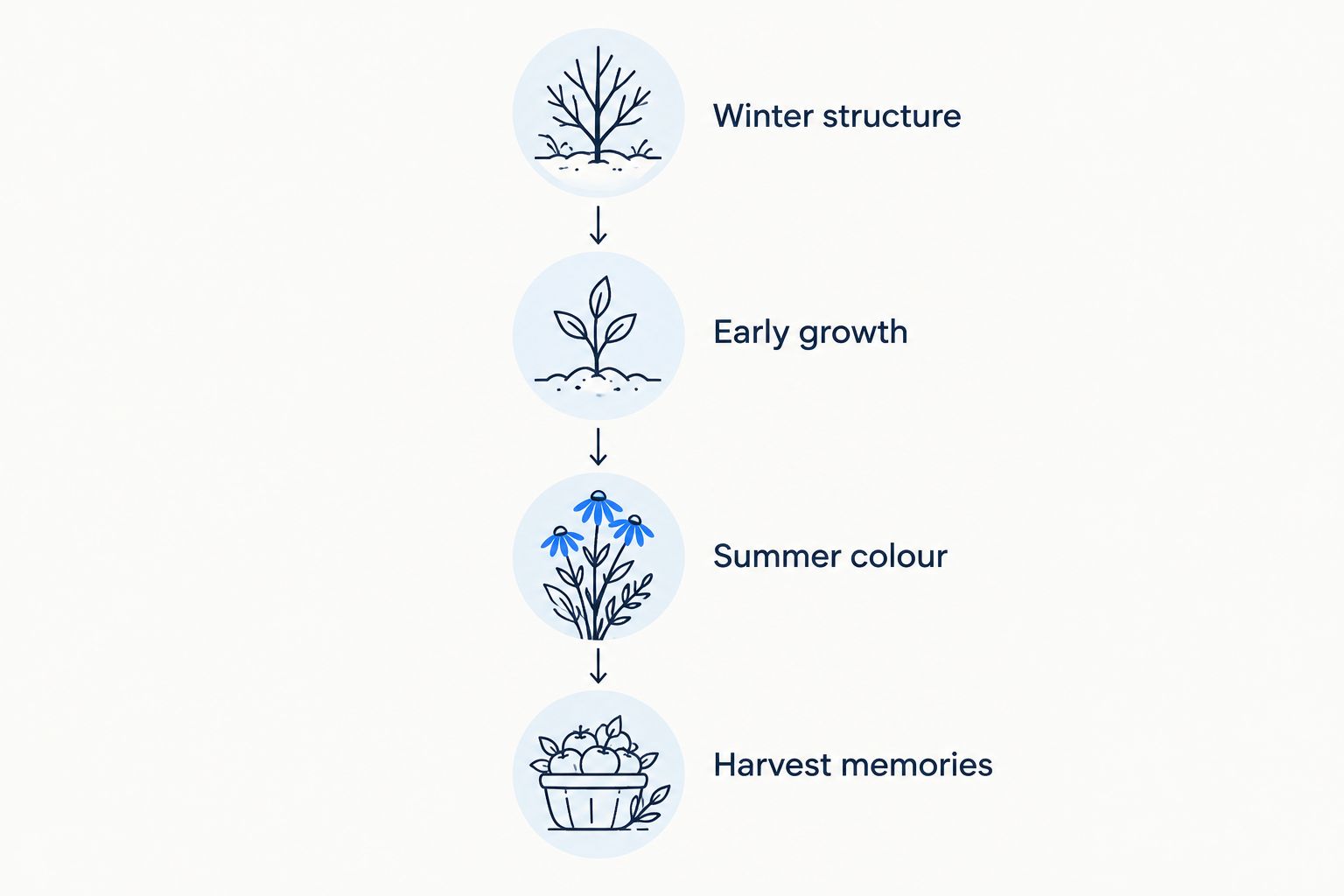
Follow your garden’s story rather than imposing a fixed planting timetable.
Crop for the subject, not just the space
Make simple edits in your phone’s built-in photo editor first. Straighten a tilted horizon, remove distracting empty space and check that the subject remains clear. Save an edited copy so you can return to the original if a different layout needs more room.
Think about what matters in each photograph. If it is a portrait of someone holding their first harvest, preserve both their face and the vegetables. If it is a picture of a whole bed, do not crop away the arrangement that makes the image recognisable.
The final crop depends on the format you choose. Check the actual preview rather than assuming that every landscape or portrait photograph will fit unchanged. Avoid placing meaningful details right against the outer edge of the image.
For photographs of plant labels, check whether the lettering remains readable in the proposed layout. If it does not, record the variety in a separate note rather than expecting a tiny label to explain the picture.
- Straighten horizons and vertical features where needed.
- Keep faces, flower heads and harvest baskets inside the crop.
- Remove distractions without losing the picture’s context.
- Check each photograph in its intended layout.
- Retain the original file alongside your edited version.
Separate reminders from growing instructions
Draft reminders on paper before adding them to a calendar or writing them on the finished copy. Distinguish between a fixed event, such as a birthday, and a gardening task that depends on weather, soil conditions or the crop variety. That distinction keeps a useful reminder from becoming misleading advice.
A 2026 calendar can prompt you to review seed packets, inspect supports or record what is happening outside. It should not present one universal sowing date for every UK garden. Follow the instructions for your chosen crop and variety, then adjust your plans to the actual growing conditions.
Only rely on printed custom notes if the selected calendar format supports them. Otherwise, keep detailed plans in a notebook and add brief handwritten reminders where the finished calendar provides suitable space.
Keep the wording practical. ‘Check sowing instructions’ leaves room for a decision; ‘sow everything today’ does not. A gift calendar should also avoid filling the recipient’s year with tasks they never agreed to do.
- Separate fixed personal dates from condition-dependent gardening tasks.
- Use reminders to check seed packets rather than replace them.
- Keep variety names and growing observations in a notebook.
- Confirm text customisation before planning printed annotations.
- Ask the recipient which reminders would genuinely help.
Review every page before ordering
Review your calendar as a whole before checking individual pages. Does it feel like the same garden throughout? Are the pictures varied enough to stay interesting? A sequence of favourite moments is more satisfying than a collection chosen only because every image has the same colour.
Then check the details. Confirm the intended year is 2026, inspect every crop and read any text slowly. If you are giving the calendar to someone else, check names and personal dates against a reliable record rather than memory.
Pixaprints provides the personalised printing service; your final review needs to confirm that the selected photographs and any editable details are right for the recipient. Check the current product information for format, materials and ordering details rather than assuming features from another calendar you have seen.
Finally, think about where the calendar will live. An indoor display keeps it away from muddy hands and splashes; do not assume a photo calendar is designed for outdoor use.
- Confirm the intended calendar year before completing the order.
- Inspect every image for unwanted crops or visible blur.
- Check names, captions and dates wherever you have added them.
- Read the selected format’s current product information.
- Choose an indoor display spot away from water and soil.
Compare calendar options for gardeners
Choose the option that matches the recipient’s habits. A photo-led gift and a detailed growing record solve different problems, even when both sit beside the kitchen door. Use a personalised calendar for memories and reminders; use a notebook for the detail you will need later.
| Option | Best for | Main advantage | Key limitation |
|---|---|---|---|
| Pixaprints personalised photo calendar | Gardeners who want their own photographs in a calendar | Connects the calendar to a particular garden and person | Requires you to select suitable images; check the available format before designing |
| Hand-assembled photo calendar | Gardeners who enjoy making gifts themselves | Lets you combine printed photos with handwritten details | You handle the assembly and date checking yourself |
| Ready-made gardening calendar | Gardeners who prefer garden imagery without sorting personal photos | Avoids the photo-selection task | Does not show the recipient’s own growing memories |
| Gardening notebook | Gardeners recording varieties, results and observations | Gives detailed notes a dedicated home | Does not provide the same monthly photo display |
For a gift, a personalised photo calendar is the stronger choice when the meaning lies in the recipient’s own garden. For tracking crop performance, choose a notebook instead or use one alongside the calendar. Do not expect either format to do the other’s job.
Common mistakes gardeners make
Turning a photograph into a planting deadline
A picture of seedlings in March records a moment, not a rule for every crop. Keep seasonal imagery separate from instructions, and check the seed packet before treating a calendar reminder as a sowing decision.
Showing only perfect results
A calendar filled entirely with polished flower close-ups can miss what makes an allotment personal. Include the repaired gate, newly prepared bed or gardener with muddy boots if those moments belong to the story. Choose recognition over perfection.
Losing the important detail in the crop
A harvest portrait loses its meaning if the vegetables disappear outside the frame. Check the preview with the photo’s purpose in mind, not just whether the page looks neatly filled. Change the picture if the layout cannot preserve the detail that matters.
Mixing shared memories with private information
An allotment photograph can include neighbours, children or a visible plot notice. Ask before using identifiable pictures of other people in a gift, and inspect backgrounds for details they would not want displayed. A personal calendar should feel considerate as well as thoughtful.
Making the calendar carry every garden record
Do not squeeze variety names, watering observations and harvest notes into tiny annotations. Keep the display readable and put detailed records elsewhere. The calendar can prompt you to open your notebook without becoming the notebook itself.
FAQ
What’s the best personalised calendar for an allotment gardener?
The best choice is a calendar that uses the gardener’s own plot photographs and suits where they will display it. Pixaprints offers personalised photo calendars; check the current format before deciding how to arrange your images.
How many photos should I choose for a gardening calendar?
For a monthly photo plan, start with 12 main photographs and keep alternatives for awkward crops. The number you ultimately use depends on the selected calendar’s layout, so confirm that before finalising the shortlist.
Can I put sowing dates on a personalised gardening calendar?
Use sowing dates as reminders to check crop-specific guidance, not as universal instructions. Confirm whether your chosen format supports custom text, or keep the detailed schedule in a separate notebook.
Are phone photos suitable for a personalised calendar?
Phone photos are suitable candidates when the subject is clear and the original file has enough detail for the chosen layout. Inspect focus and cropping in the preview rather than judging only from a small screen thumbnail.
Should the photographs match each month?
Seasonal matching is useful when you want the calendar to tell your garden’s story. It is not essential: meaningful pictures of people, tools and favourite places can also make a personal calendar.
Is a photo calendar better than a gardening diary?
A photo calendar is better for displaying memories and seeing dates at a glance; a gardening diary is better for detailed growing records. Use both if you want a personal display and somewhere to record varieties, observations and results.
Can I keep a personalised calendar in my greenhouse?
Do not assume a personalised photo calendar is suitable for damp greenhouse conditions. Check the product’s material and care information, and choose an indoor display location if suitability is not stated.
One last thing
Before choosing the cover photograph, ask the recipient which gardening moment made them happiest. Their answer might be the first wonky carrot, a shared cup of tea or the day they finally cleared an overgrown corner—not the most impressive flower in your camera roll.
Make that memory your starting point. A garden calendar feels personal when it celebrates the gardener, not just the garden.