
How to take professional-looking photos at home with a phone
· 9 min read
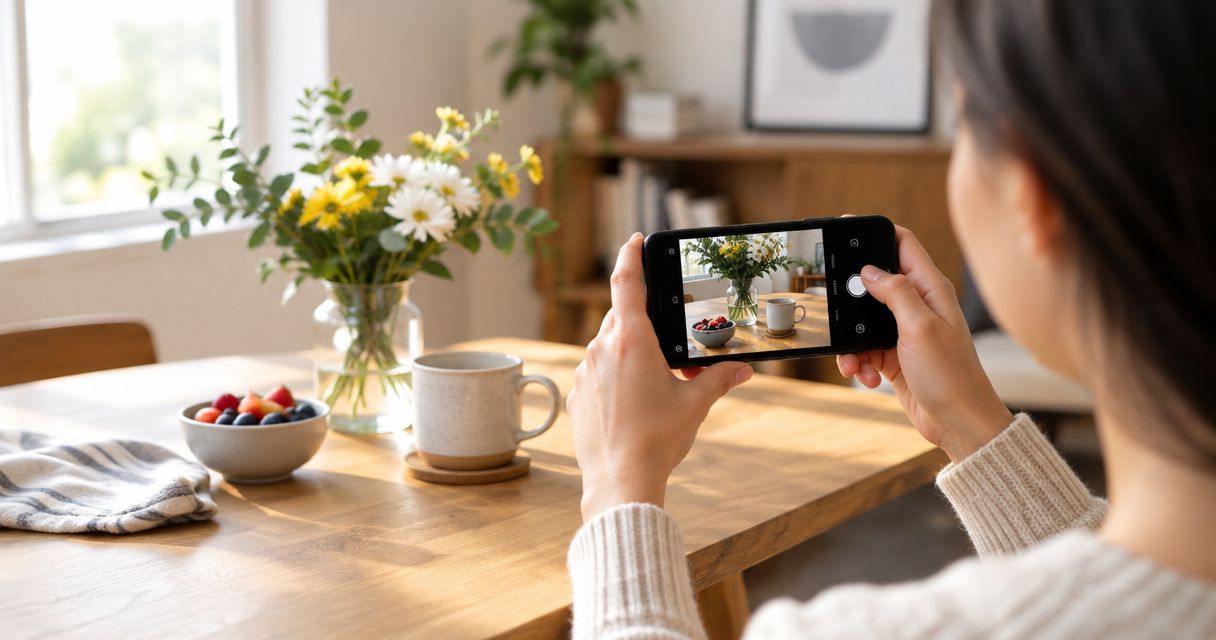
Good phone photos in 2026 come down to three fixable things: light direction, a locked focus point, and a background with nothing distracting in it. None of that needs a new phone or a lighting kit — it needs about 15 minutes of setup before you tap the shutter.
TL;DR
- Window light at roughly a 45-degree angle beats flash or overhead bulbs for professional looking phone photos at home.
- Tap and hold on the subject to lock focus and exposure before shooting; auto mode hunts and blows out highlights.
- A plain wall or a hung sheet removes most background clutter in under five minutes.
- Export the original file, not a screenshot or a messaging-app copy, if the photo is going on a canvas print later.
- Editing is one pass on brightness and crop, not a filter stack — over-processed shots look worse printed large.
Why this matters
A blurry, dim phone photo is fine on a small screen and falls apart the moment it's enlarged, whether that's a canvas print for the living room wall or a photo book you're handing to a grandparent. Getting the shot right at the point of capture in 2026 saves an editing headache later and means the file actually holds up at a larger size instead of pixelating. Most "my phone camera isn't good enough" complaints are actually light and composition problems, not hardware problems — even a mid-range phone from the last few years captures more detail than most home lighting setups let it use.
How to take professional-looking photos at home with a phone
Follow these steps in order — skipping the light and focus steps is why most home phone shots still look flat.
- Turn off the flash. Built-in flash flattens faces and creates harsh shadows behind the subject — natural or lamp light always looks more professional.
- Face a window, don't shoot into it. Position the subject so the light falls across their face at an angle, not behind them (that's what causes a silhouette).
- Clear the background. A plain wall, a hung sheet, or a tidied corner reads as intentional; a cluttered kitchen counter reads as a snapshot.
- Tap and hold on the subject to lock focus and exposure — this stops the phone from re-focusing mid-shot and blowing out bright areas.
- Switch on the grid lines (in camera settings) and use the rule of thirds — place the subject off-centre rather than dead in the middle.
- Shoot a few frames, not one. Phones miss focus more than people expect; three or four shots gives you a sharp one to pick from.
- Export the full-resolution original, not a compressed copy sent through a messaging app, if the photo will end up on a print or turned into a canvas print later.
If you're planning to print straight after the shoot, it's worth knowing how to order photo prints straight from your phone before you start editing, since some apps compress the file on export without telling you.
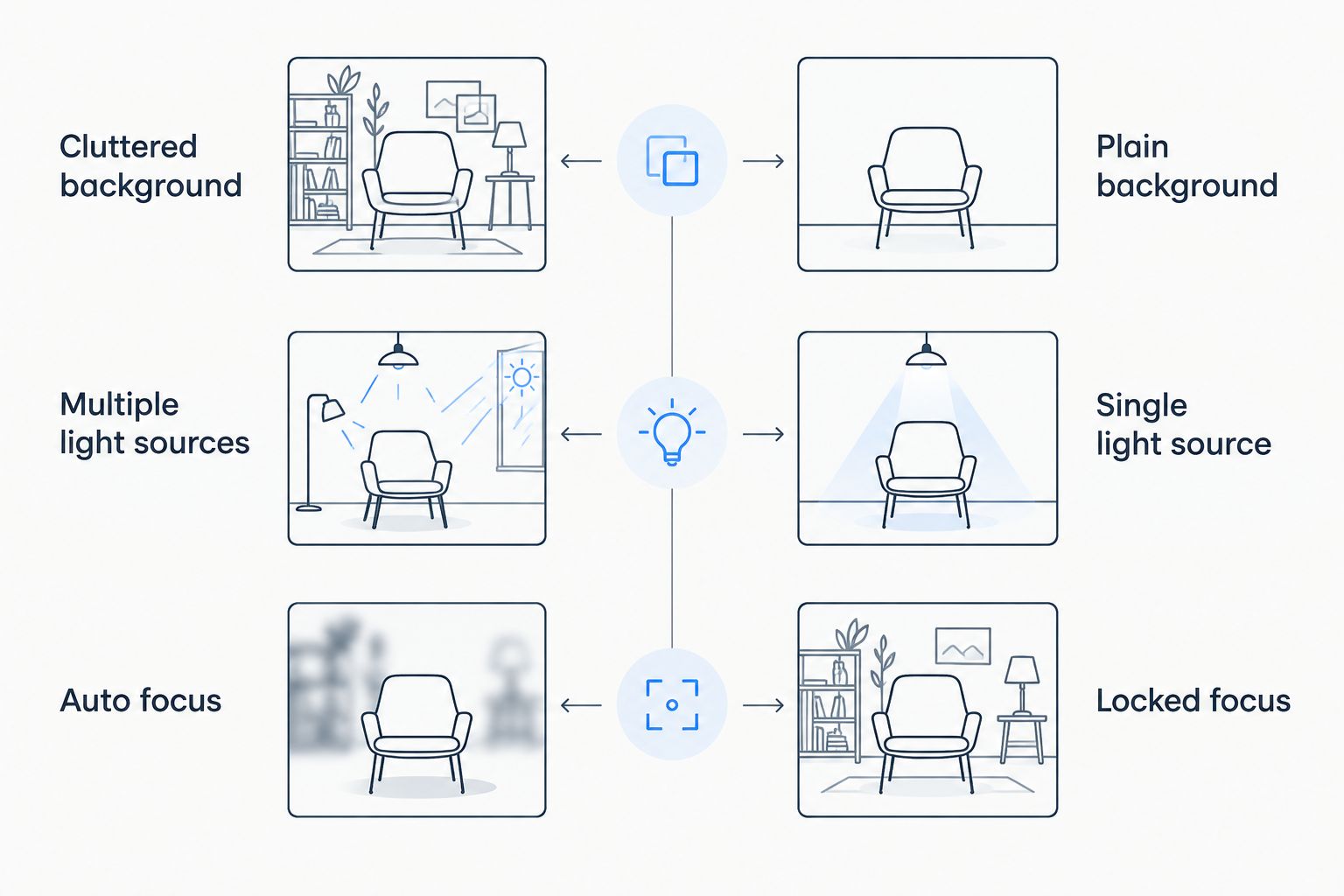
The right column is the setup worth aiming for before you shoot.
Setting up light without buying anything
A north- or east-facing window in the morning gives soft, even light with no harsh shadow — that's the easiest starting point in most UK homes. Sit the subject side-on to the window rather than facing it directly, and if shadows on one side look too dark, prop a white sheet of card or a mirror on the opposite side to bounce some light back.
Overhead ceiling lights are the most common cause of an amateur-looking photo: they cast shadows under the eyes and nose and give skin a flat, slightly grey cast. Switch them off if a window is available, or move the subject away from directly under them if it isn't.
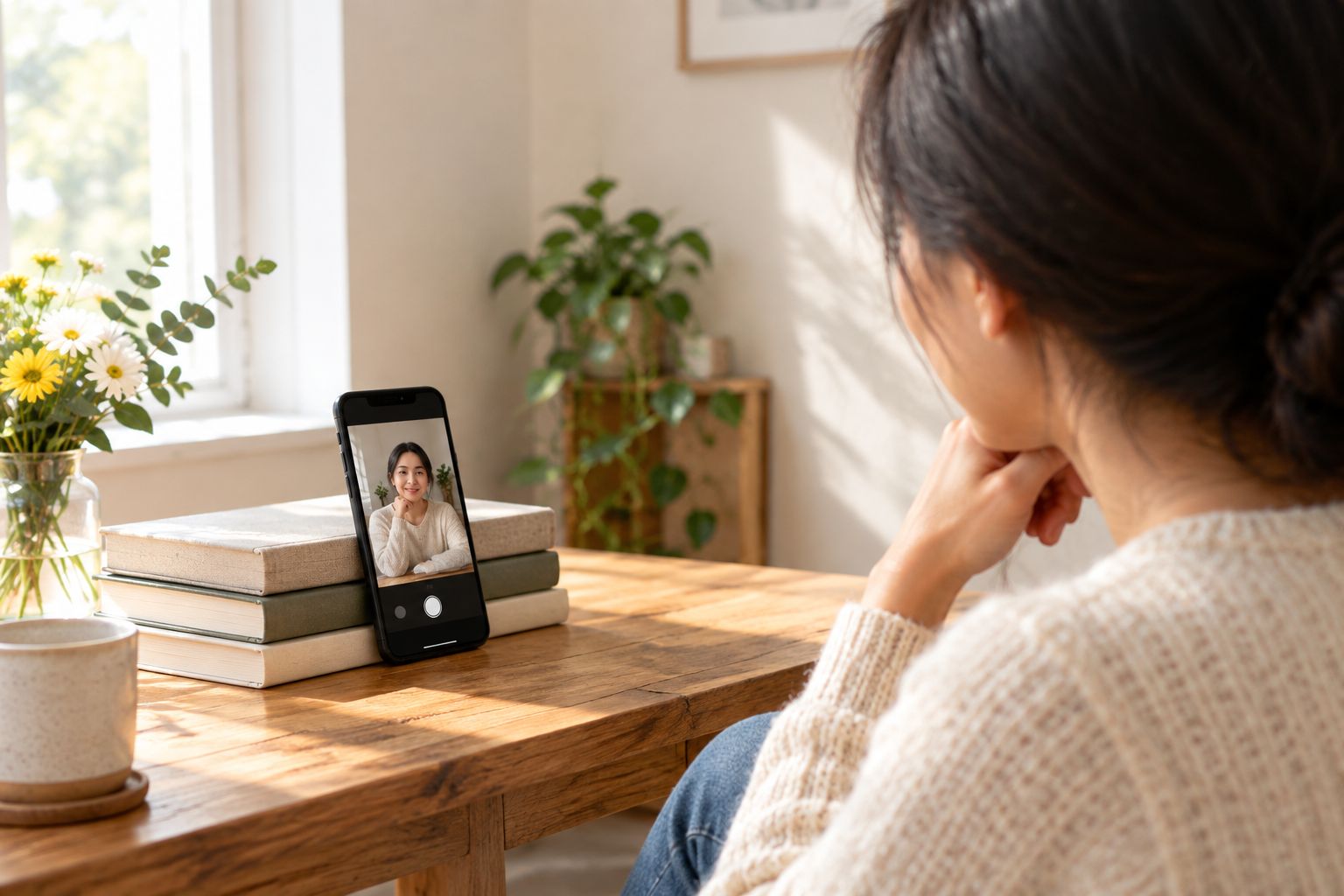
Propping the phone frees both hands and keeps the shot steadier than holding it.
A photo that looks professional is really just a photo where the light source is obvious and the background isn't fighting for attention. That single rule fixes more shots than any editing app does.
Why some phone photos still look amateur
- Mixed light sources — daylight from a window plus a warm lamp confuses the phone's white balance and gives skin an odd tint.
- Shooting from too high or too low — phones held above eye level distort faces; shoot roughly level with the subject's eyes instead.
- Digital zoom instead of moving closer — zooming in on most phones crops and softens the image; walking closer keeps it sharp.
- Unlocked focus and exposure — letting the phone re-meter mid-shot causes blown-out backgrounds or dark faces.
- Skipping the export step — sharing straight from a messaging app compresses the file before it's ever printed.
- Over-editing with filters — heavy filters hide detail that a canvas print or photo book needs to look sharp at a larger size.
The same logic applies whether you're photographing people, food, or a newborn at home — newborn photography ideas you can try safely at home and food photography ideas for family recipe memories both come back to the same window-light setup described above.
Turn today's shoot into a print
Order straight from your phone once you've got the shot you want.
Do I need a tripod to take good phone photos at home?
No — a stack of books, a shelf edge, or leaning the phone against a wall does the same job as a tripod for a static shot. A tripod only becomes worth buying if you're doing this regularly or shooting video, since it removes the small hand-shake that softens detail in low light.
What's the best time of day for phone photos indoors?
Mid-morning to early afternoon gives the most even daylight through a window, before the sun gets low and casts long shadows. Overcast days are actually easier than bright sun — the cloud cover acts as a natural diffuser and softens harsh shadows.
Does phone photo quality matter for canvas prints?
Yes — a photo shot in good light with locked focus holds detail at a larger size, while a dim or blurry original gets worse the bigger it's printed. If a shot from Instagram is going onto a canvas, export the original camera roll file rather than a re-saved social media copy, since apps like Instagram compress images on upload.
FAQ
How do I make my phone photos look more professional in 2026?
Shoot in natural window light at an angle, lock focus and exposure with a tap and hold, and clear the background before you take the shot. Those three changes fix most of what makes a phone photo look amateur.
Why do my indoor phone photos look grainy?
Grain usually means there isn't enough light, so the phone raises its sensor sensitivity to compensate. Move closer to a window or add a lamp rather than relying on the flash, which flattens the shot instead of fixing the grain.
Should I edit phone photos before printing them?
A light edit on brightness, contrast and crop helps, but heavy filters remove detail that shows up when a photo is printed large. Keep edits minimal if the photo is going on a canvas print or in a photo book.
What phone camera setting improves photos the most?
Locking focus and exposure with a tap and hold before shooting makes the biggest difference, since it stops the camera re-metering mid-shot. Turning on grid lines for composition is the next easiest win.
Is natural light really better than a ring light for home photos?
Natural window light usually looks more even and less artificial than a ring light, which can create a visible circular reflection in eyes and glossy surfaces. A window at the right angle costs nothing and gives softer results.
Can I use phone photos for large prints?
Yes, as long as the original file is used rather than a screenshot or a compressed copy sent through a messaging app. Well-lit, in-focus phone photos hold up well on canvas prints and photo books.
Why do my photos look better on the phone screen than printed?
Screens boost brightness and saturation in ways paper and canvas can't fully replicate, so a photo that looked sharp on-screen can look softer printed. Shooting in good light and exporting the full-resolution original narrows that gap.
One last thing
The single change that makes the biggest visible difference isn't a setting at all — it's turning the subject 45 degrees toward a window instead of shooting them face-on under a ceiling light. Try that on the next photo before touching any editing app, then decide if the shot is even worth editing.