
Personalised calendars for estate agents: complete 2026 guide
· 12 min read

Estate agent personalised calendars are photo calendars made for clients or local contacts, with the aim of keeping your agency familiar through 2026. The useful version gives people photographs they want to see each month; a calendar that looks like a property advert gives them little reason to keep it.
TL;DR
- Personalised calendars for estate agents work best as useful photo gifts, not property adverts.
- Pixa Prints photo calendars suit agents who have permission to use their images and want a printed client gift.
- Choose photographs for all 12 months before designing; check consent, cropping and every date before printing.
- A digital calendar is easier to update, but it is not a physical gift.
Why personalised calendars matter for estate agents
A calendar earns its place when the recipient can use it. For an estate agent, that changes the creative brief: the photographs must appeal to the household receiving it, while any agency identity stays secondary to the dates and images. A client who has just moved might enjoy photographs of their new home. A local contact with no connection to that property probably would not.
Pixa Prints photo calendars are best for estate agents who want to turn photos they can use into a printed gift. The limitation is equally important: a print service cannot decide which client images you have permission to publish or whether a design feels personal to its recipient. You need to settle those questions before uploading anything.
For a 2026 calendar, start with the audience rather than a folder of available photographs. Is this one calendar for a particular buyer or seller, or one design for a wider group? The answer determines which images belong on the pages, how much personal detail is appropriate and whether printing makes sense at all. If you need a starting point for the image selection, use this guide to picking photos for a personalised calendar.
How to make an estate agent calendar people will use
Decide who receives the calendar
Write down the recipient before choosing the cover. A calendar for a buyer can centre on photographs of their own home, provided you have permission to use and share them. A calendar for a wider mailing list needs images that make sense to people who have never seen that property. Do not treat those as the same project with a different cover.
Be precise about the purpose, too. A thank-you gift should feel like a thank-you gift. If you want a calendar to introduce your agency to prospective clients, choose photographs with broad local appeal rather than private home interiors. Keep any agency details easy to find without making them the reason every page exists.
- Name the recipient group before opening a design tool.
- Decide whether each calendar is individual or shared.
- Separate private property photos from images cleared for wider use.
- Set one clear purpose: thank-you gift or general introduction.
Check image rights and consent
An estate agency holds photographs for a reason, but that does not automatically make them suitable for a gift. Before using a property image, check who owns it, what permission covers and whether the owner or occupier expects it to appear in a calendar. Remove visible personal details, including paperwork, family photographs and identifying information in a room.
The simplest manual check is a list alongside your image folder: photograph, source, intended recipient and permission status. Only move an image into the 2026 design when that status is clear. For a personal calendar, ask the recipient before featuring images they supplied; for a shared calendar, use images you can distribute to everyone on the list.
- Record the source and permitted use of each photograph.
- Check whether people or personal belongings appear in the frame.
- Keep uncertain images out of the design.
- Confirm that wider distribution is covered before printing copies.
Choose a theme that fits the recipient
A folder full of attractive listings is not yet a calendar. Give the 12 months a clear thread: one household's new home, local scenes chosen for a community audience, or a selection of images the recipient has approved. The theme should make sense without a sales caption beside every photograph.
Choose the images manually before you start arranging pages. Look for variety in viewpoint, light and subject so the calendar does not repeat the same front-door shot. For a client gift, ask whether the recipient would recognise and enjoy each image. For general distribution, ask whether someone with no connection to the property would still want to look at it.
- Pick a theme the recipient can identify immediately.
- Gather more candidate images than you need for the 12 months.
- Remove near-duplicates before assigning months.
- Keep property-specific images for the people they concern.
Match each photograph to its month
Put your chosen images in a simple January-to-December list before building the calendar. This makes gaps and repetition visible without making you redo a finished layout. A seasonal photograph can suit a month, but do not force a poor-quality image into place just because it shows the right weather. A clear, meaningful photo is the better choice.
Next, inspect each crop. A wide room photograph can lose its subject if a calendar layout trims the edges; a portrait image can leave too little useful space in another layout. Check faces, doorways and other focal points in the preview rather than assuming that the original file will appear unchanged. If the crop does not work, change the image or the layout.
- Build a January-to-December image list first.
- Give each month a distinct focal point.
- Check every crop in the intended layout.
- Replace images that need an awkward crop.
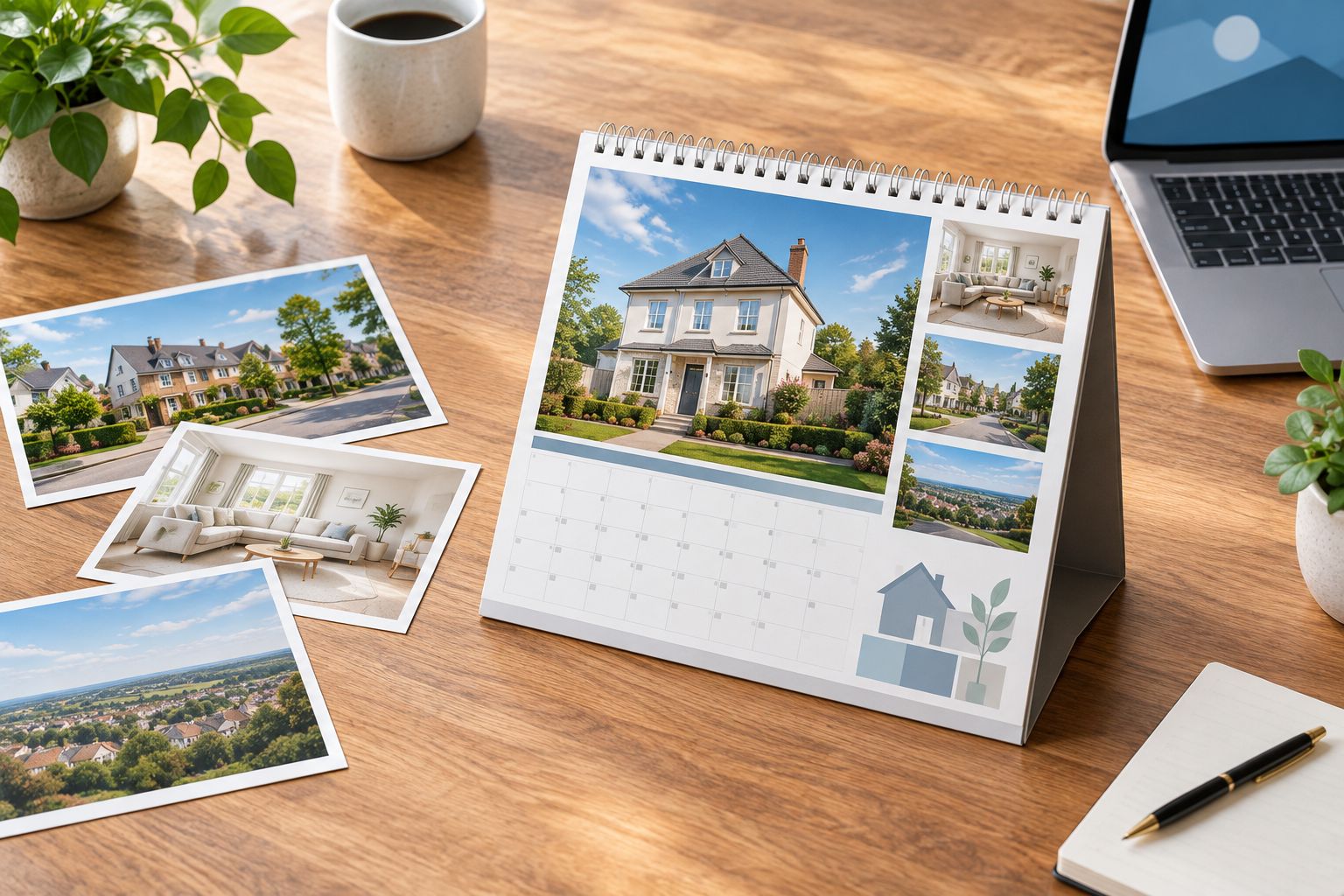
Choose images for the person receiving the calendar, then check how each one fits the page.
Keep agency details in their place
Your name should be findable, but it should not compete with the dates or photographs. A restrained cover credit or a clearly separated contact area serves a different purpose from stamping a large sales message across every image. Think of the calendar as something the recipient will look at repeatedly, not a leaflet they need to read once.
Sketch the page on paper first if you are unsure where details belong. Put the image, month and dates in place; then see what space remains. If the design tool you use cannot place the agency details cleanly, leave them out of the printed layout rather than squeezing them over a photograph. The gift still needs to work as a calendar.
- Make dates easy to read at the intended display size.
- Keep contact details separate from the main photograph.
- Avoid covering a room's best feature with text.
- Read every caption as a recipient would.
Build and proof the 2026 version
Once your images and permissions are settled, assemble the calendar. Pixa Prints lets customers upload personal photos to create custom calendars, making it a fitting print route when the images are ready. It does not replace the manual checks: inspect the 2026 month order, image placement, spelling and any text you add in the available design options before you finish.
Proof at the size you expect people to view. Zoomed-out previews can hide a crop that cuts off a face or a caption that is hard to read. If several people supplied photographs, send them the relevant image choices for approval before you commit to print. Keep a copy of the approved photo list so a late swap does not reintroduce an uncleared image.
- Check every 2026 month and date in the preview.
- Read names, captions and contact details character by character.
- Inspect image edges for unwanted cropping.
- Confirm the final design against your permissions list.
Plan delivery around the recipient
Decide how you will give the calendar before you prepare a group of identical copies. A handover after a move calls for a different message from a calendar sent to local contacts. Write a short note that explains the image choice where that adds meaning; do not turn the note into a property pitch.
For 2026 planning, keep your recipient list separate from your image-permissions list. One records who receives which design; the other records what you can use. That distinction matters most when you have made personal calendars from client photographs. Check the current ordering and delivery information on the print service before setting a handover date rather than assuming a production or postage schedule.
- Match each recipient to the correct design.
- Check names and addresses against the recipient list.
- Keep personal calendars out of a shared distribution batch.
- Allow time for your own proofing before the intended handover.
Which calendar option fits your plan?
Choose a printed photo calendar when the object itself is the gift. Choose a do-it-yourself printable file when you want to handle printing, or a digital calendar when changing events matters more than giving someone photographs to display. These options solve different problems; none fixes weak image selection or missing permission.
| Option | Best for | Key limitation |
|---|---|---|
| Pixa Prints photo calendar | Estate agents with approved photos who want a printed client gift | You still need to choose images, check consent and proof the design |
| Do-it-yourself printable calendar | Agents who want to manage both layout and printing | You handle the print result as well as the design |
| Digital calendar | Contacts who need events they can update | It is not a physical photo gift and requires the recipient to use the digital format |
A printed calendar gives photographs a lasting place in the recipient's routine, but it cannot be edited after printing. A printable file gives you more control over how you produce the final piece, alongside more work to check. A digital calendar makes event changes practical, but it does not deliver the same personal object. If you are choosing images for other agency spaces as well, keep those decisions separate from the gift: choosing brand and team photos for an office wall addresses a different viewer and setting.
Common mistakes estate agents make
Using listing images without clearing their use. An image in your property files is not necessarily cleared for a calendar, particularly one given to people outside the sale. Check the image source and permitted use first. If you cannot establish permission, choose another photograph.
Making every page an advertisement. A recipient needs a calendar they can read and photographs they enjoy. If the agency message is larger than the date grid or dominates each image, simplify it. A gift should stand on its own without a sales explanation.
Sending one personal design to everyone. Photographs of a buyer's home can be meaningful to that buyer and irrelevant, or inappropriate, for somebody else. Separate individual gifts from any design intended for general distribution. Label the files clearly before ordering or handing them over.
Checking the photos but not the calendar. Good images cannot rescue an incorrect month sequence, a misspelt name or a crop that removes the subject. For a 2026 calendar, proof the complete 2026 design page by page, including the cover and date grid, before treating it as finished.
FAQ
What are personalised calendars for estate agents?
They are calendars made with photographs chosen for an estate agent's clients or local contacts. The best design gives the recipient useful dates and images they want to display, rather than filling each page with advertising.
Is a photo calendar a good gift for a buyer?
Yes, when the buyer wants the photographs and you have permission to use them. Images connected to their new home make more sense than unrelated listing photos.
Can estate agents use listing photos in a client calendar?
Only use listing photos when their source and permitted use cover the calendar you intend to make. Check for personal details in the image, especially if copies will go to people beyond the property owner.
Is a printed calendar better than a digital calendar?
A printed calendar is better when you want to give someone a physical photo gift. A digital calendar is better when the recipient needs events they can update.
How many photos do I need for a 2026 calendar?
Start by selecting an image for each of the 12 months, then check the cover requirements of your chosen layout. Keep alternative photos ready in case an image crops poorly or lacks permission.
What should an estate agent put on a calendar cover?
Put an image the intended recipient will recognise or enjoy on the cover. Keep any agency details clear but secondary, and check what the design options allow before finalising it.
How do I make a calendar feel personal without using private photos?
Choose images that connect to the recipient's interests or local area without exposing someone else's home or belongings. A thoughtful selection matters more than adding a person's name to every page.
One last thing
Before you approve a 2026 calendar, show the design to someone who has not seen your image folder. Ask which page they would display and whether they can read the dates easily. If the answer depends on you explaining a listing, change that photograph: the recipient's view is the final design test.